
Structure
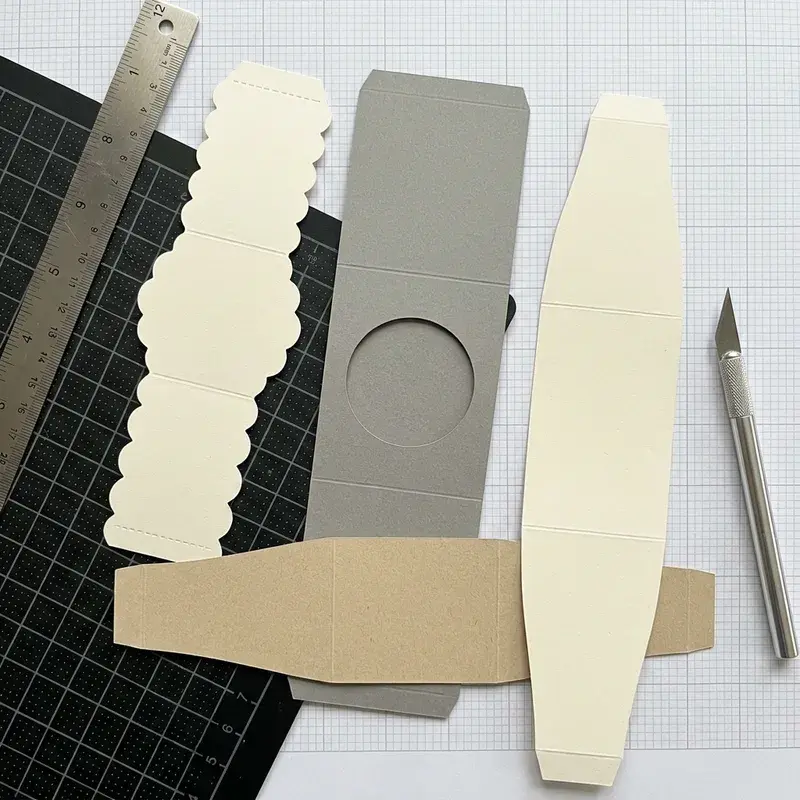
Use one approved structural reference showing cuts, folds, glue areas, openings and customer-facing panels. Check the artwork on the assembled pack: text that looks correct in a flat file can become upside down on a closing flap.
Keep print and finishing information distinct. Mark the areas for foil, embossing, windows or variable data and name the file revision. Customer-supplied product information, spelling and identifiers should be checked before the file is released.
Approval
Create an approval record listing the dieline revision, artwork revision and sample reference. If a later edit changes the structure or printed position, identify exactly what needs another review. An email saying “approved” is less useful when several file versions share the same name.
Related specification support
Artwork & Dieline Support
Bring artwork, structural outlines and production versions into one approval process.
Review the folded proof as well as the file
A design can look correct on a flat page while a top panel becomes upside down after folding. Use the approved dieline revision to assemble a proof, then check the front, back, base and opening in the order a customer encounters them.
Dieline and print-file review
| Check | What to do | Why it matters |
|---|---|---|
| Structure | Confirm size, cuts, creases and glue zones. | Do not resize a dieline without structural review. |
| Artwork | Check type, image quality, colour layers and margins. | Exact print requirements depend on the process. |
| Version | Pair the approved proof with the final file. | A filename alone is a weak revision record. |
Record the actual product, material or file version used for the comparison. Identify what remains undecided and which sample or document can resolve it.
Discuss artwork release checklist
Include the product, proposed pack and available specifications when sending the artwork or sample you need reviewed.
Dieline & Artwork Checklist FAQ
They can communicate the intended result. The file still needs review for size, content, image quality and production suitability before it is treated as printable artwork.
Record the dieline revision, artwork revision and sample reference. Check product information, spelling and identifiers before release. If structure or print position changes later, identify which parts need another review.
Keep print and finishing information distinct. Identify foil, embossing, windows and variable-data areas, and name the file revision so the production team can review the intended treatment without guessing.