
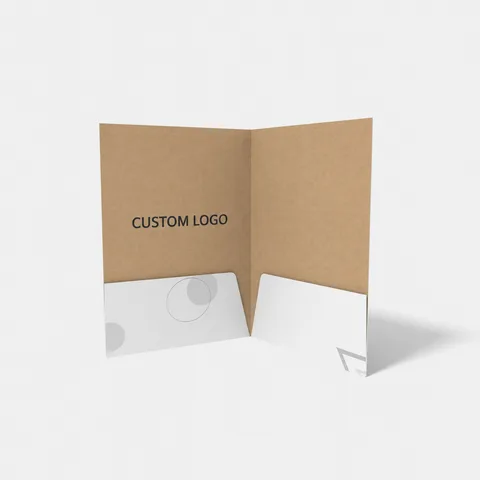
 STYLE E61429
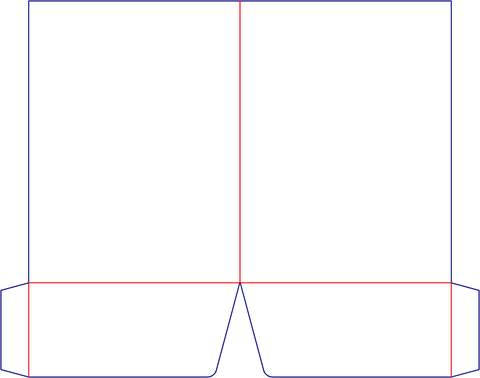 Dieline
Custom Presentation Folders
Presentation folder. Measure the full document stack and identify pockets, tabs and any binding allowance.
Explore this structure
STYLE E61429
Dieline
Presentation folder. Measure the full document stack and identify pockets, tabs and any binding allowance.
Explore this structure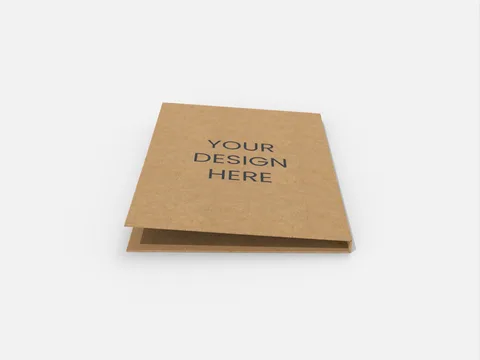 STYLE E61430
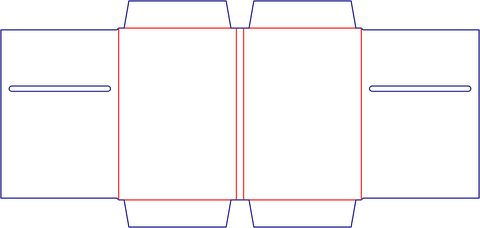 Dieline
Presentation folder. Measure the full document stack and identify pockets, tabs and any binding allowance.
Explore this structure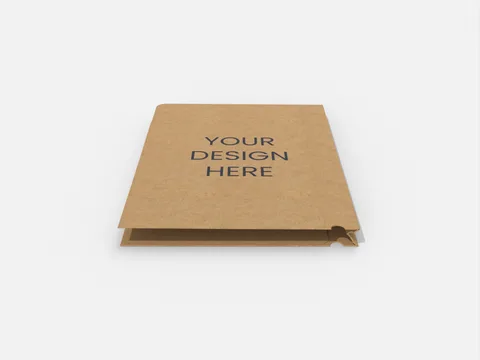 STYLE E61431
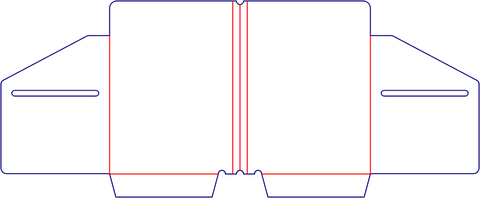 Dieline
Presentation folder. Measure the full document stack and identify pockets, tabs and any binding allowance.
Explore this structure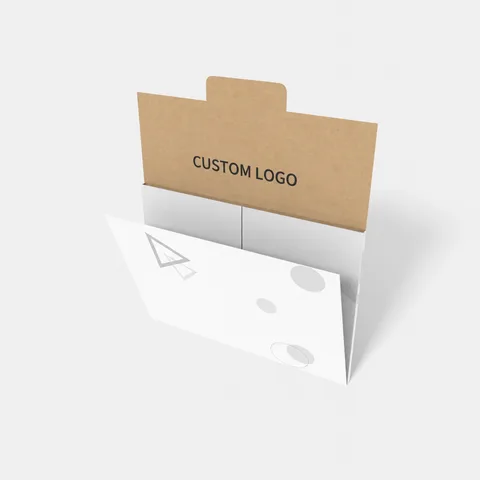 STYLE E61432
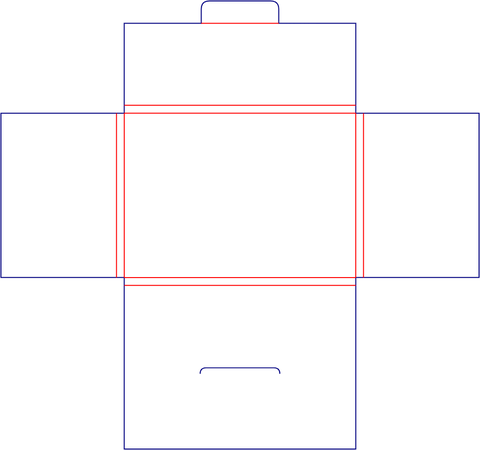 Dieline
Presentation folder. Measure the full document stack and identify pockets, tabs and any binding allowance.
Explore this structure STYLE E61433
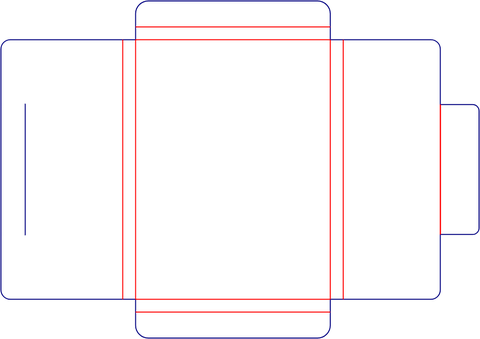 Dieline
Presentation folder. Measure the full document stack and identify pockets, tabs and any binding allowance.
Explore this structure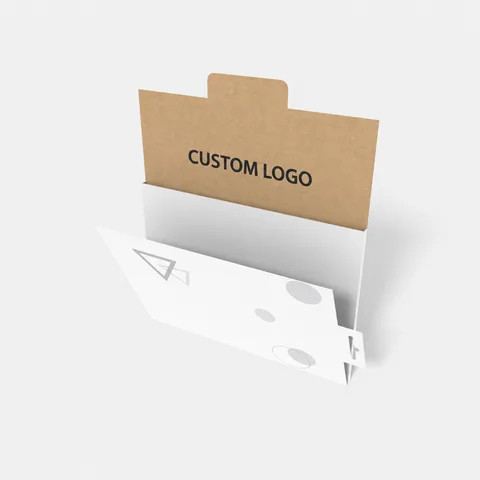 STYLE E61434
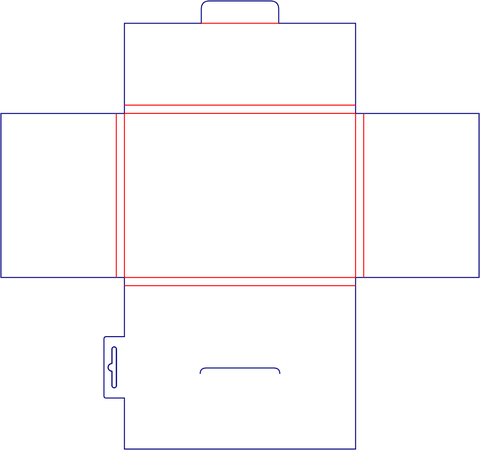 Dieline
Presentation folder with hanging feature. Confirm the attachment opening and keep nearby text clear.
Explore this structure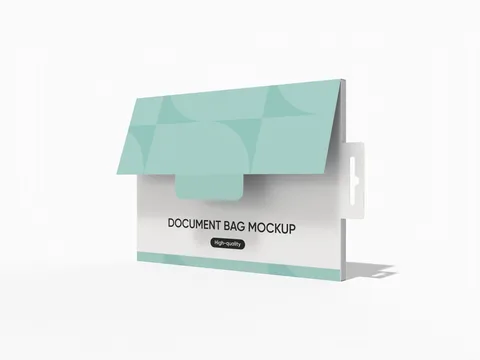 STYLE E61435
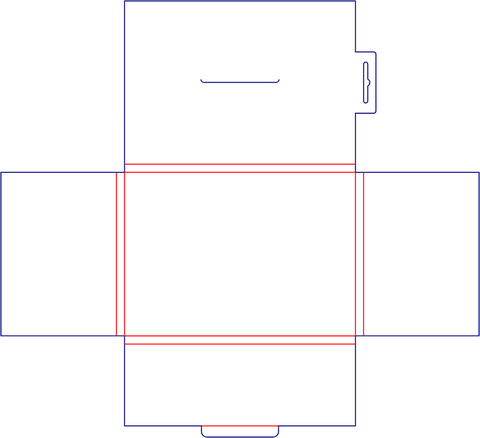 Dieline
Presentation folder with hanging feature. Confirm the attachment opening and keep nearby text clear.
Explore this structure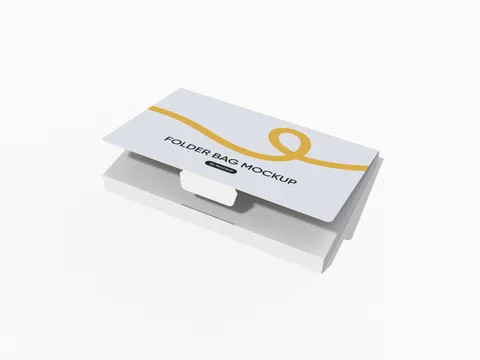 STYLE E61436
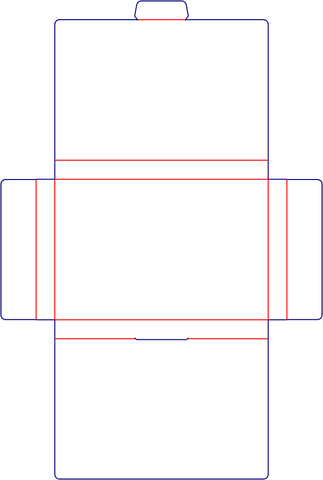 Dieline
Presentation folder. Measure the full document stack and identify pockets, tabs and any binding allowance.
Explore this structure STYLE E61437
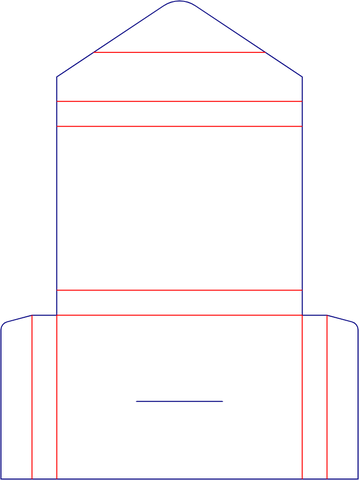 Dieline
Presentation folder. Measure the full document stack and identify pockets, tabs and any binding allowance.
Explore this structure STYLE E61438
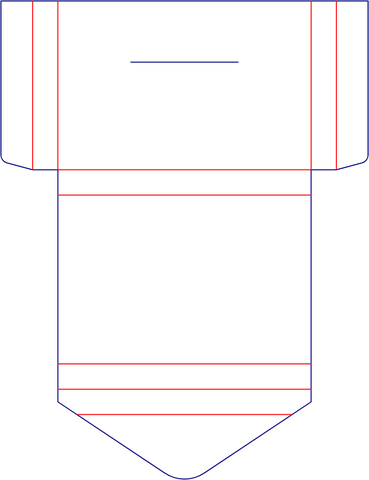 Dieline
Presentation folder. Measure the full document stack and identify pockets, tabs and any binding allowance.
Explore this structure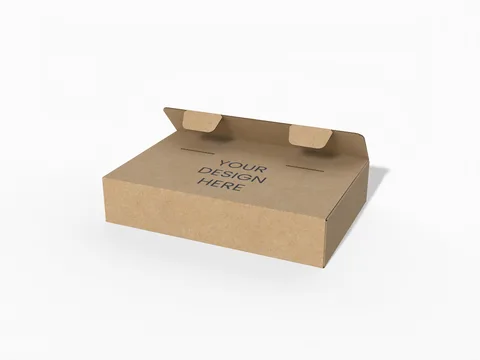 STYLE E61439
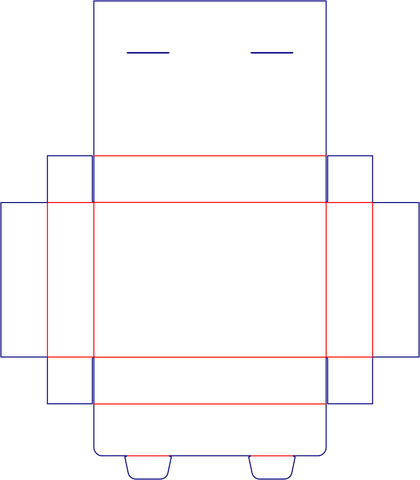 Dieline
Shallow document box with locking tabs. Size the complete file stack and verify the access opening and assembled fit.
Explore this structure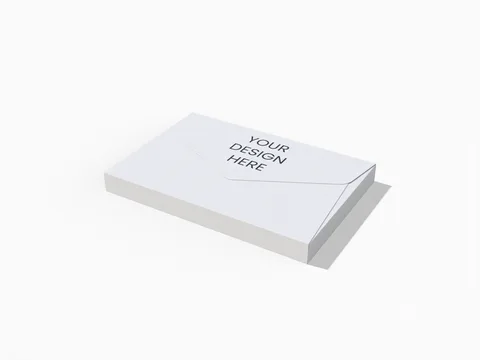 STYLE E61440
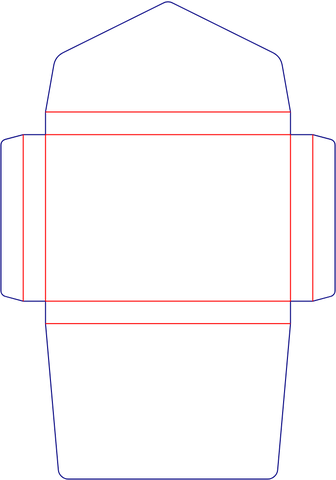 Dieline
Envelope. Give the finished enclosure size and stack thickness, then confirm the opening and flap clearance.
Explore this structureTry another name or style number, or browse all product types.
Compare the assembled reference with the flat structure.
Review dimensions, visible panels and artwork orientation.
Confirm the production dieline and sample before approval.