
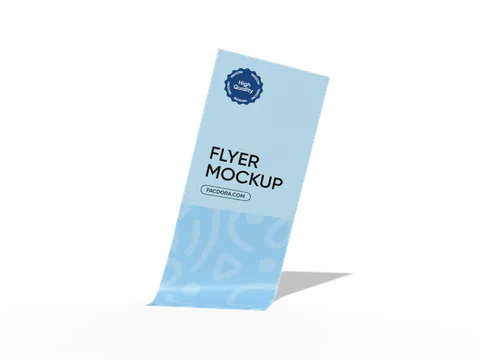
 STYLE E61645
 Artwork
Custom Printed Flyers
Flyer. Specify the finished trim and whether one or both sides are printed.
Explore this structure
STYLE E61645
Artwork
Flyer. Specify the finished trim and whether one or both sides are printed.
Explore this structure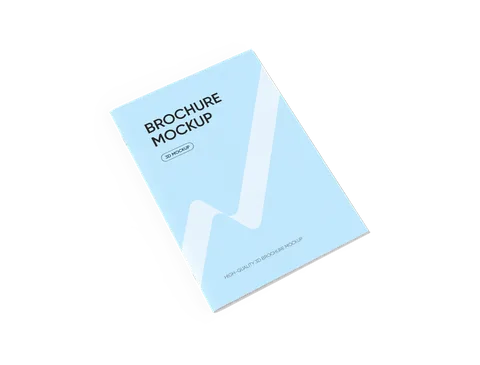 STYLE E61646
 Artwork
Brochure. State whether dimensions describe the closed brochure or the open sheet, and specify the fold or binding.
Explore this structure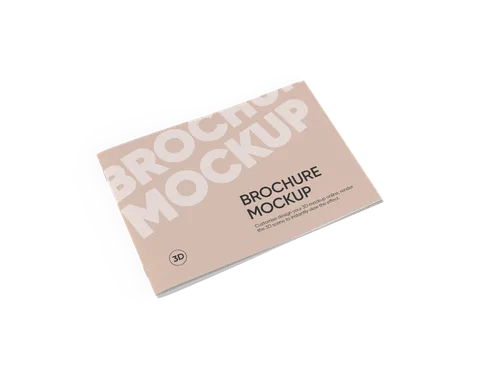 STYLE E61647
 Artwork
Brochure. State whether dimensions describe the closed brochure or the open sheet, and specify the fold or binding.
Explore this structure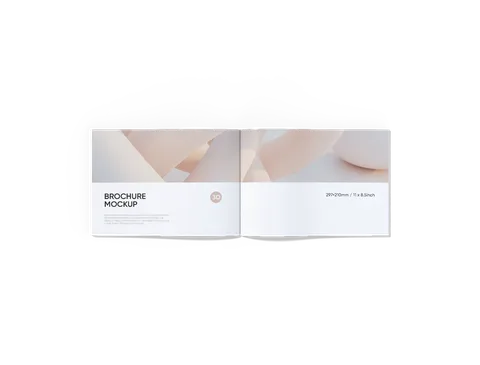 STYLE E61648
 Artwork
Brochure. State whether dimensions describe the closed brochure or the open sheet, and specify the fold or binding.
Explore this structure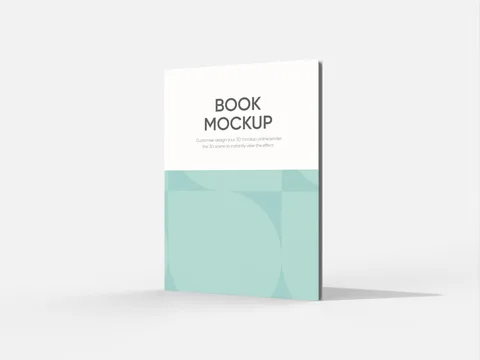 STYLE E61649
 Artwork
Hardcover book with hard cover. Confirm the spine, hinge and wrap allowances after choosing the page block.
Explore this structure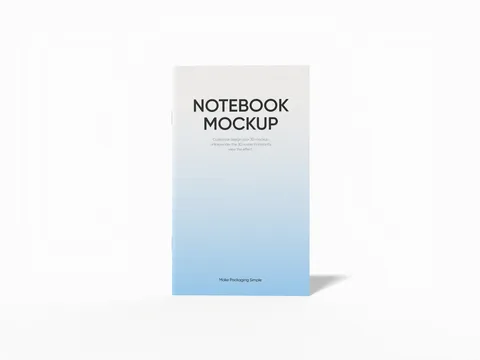 STYLE E61650
 Artwork
Brochure. State whether dimensions describe the closed brochure or the open sheet, and specify the fold or binding.
Explore this structure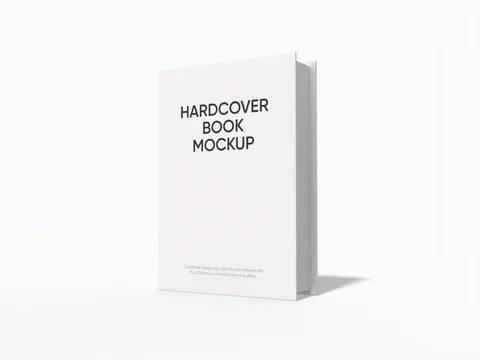 STYLE E61651
 Artwork
Hardcover book with hard cover. Confirm the spine, hinge and wrap allowances after choosing the page block.
Explore this structure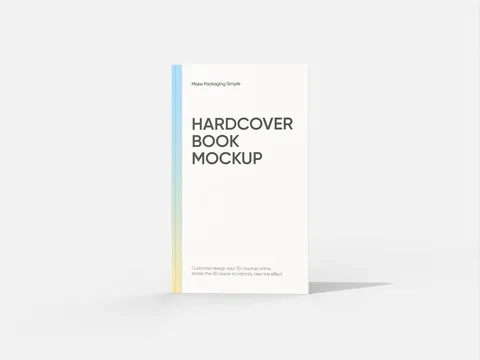 STYLE E61652
 Artwork
Hardcover book with hard cover. Confirm the spine, hinge and wrap allowances after choosing the page block.
Explore this structure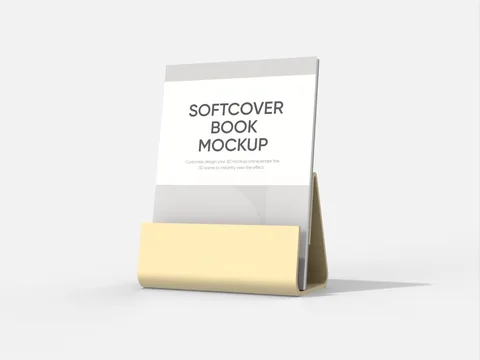 STYLE E61653
 Artwork
Paperback book with upright orientation, soft cover. Keep the artwork oriented for the intended upright viewing position.
Explore this structure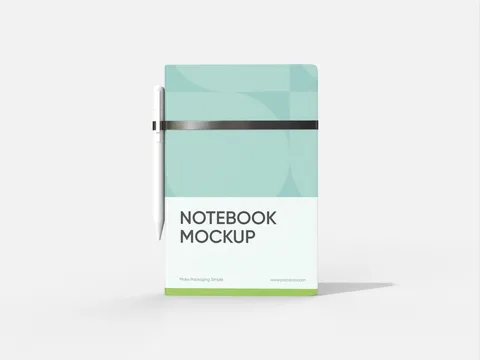 STYLE E61654
 Artwork
Notebook. Give the closed page trim, page count and binding style; calculate spine or binding allowance after choosing the paper.
Explore this structure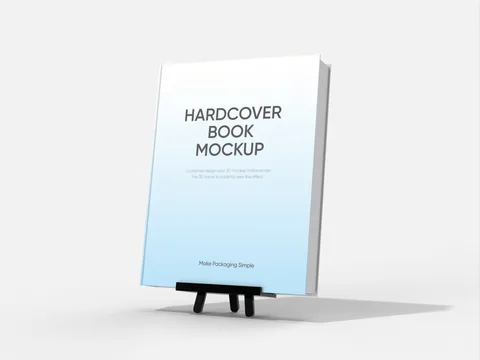 STYLE E61655
 Artwork
Book or bound publication. Specify the page trim, page count, paper and binding; treat spine width as a separate confirmed value.
Explore this structure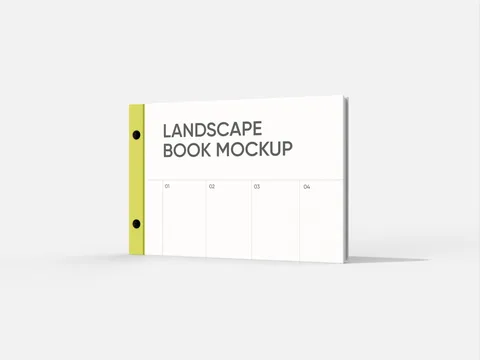 STYLE E61656
 Artwork
Book or bound publication with landscape orientation. Check the intended binding or opening side in the horizontal layout.
Explore this structureTry another name or style number, or browse all product types.
Compare the assembled reference with the flat structure.
Review dimensions, visible panels and artwork orientation.
Confirm the production dieline and sample before approval.