
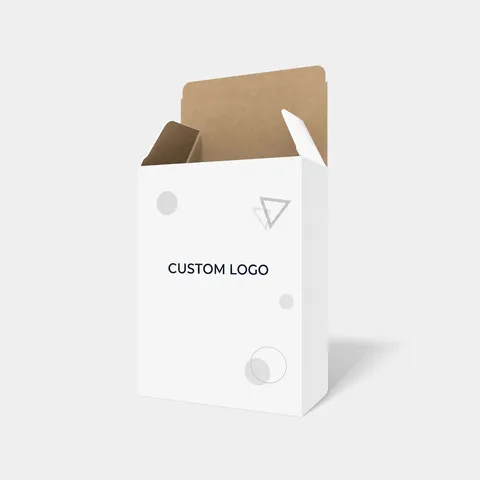
 STYLE E60157
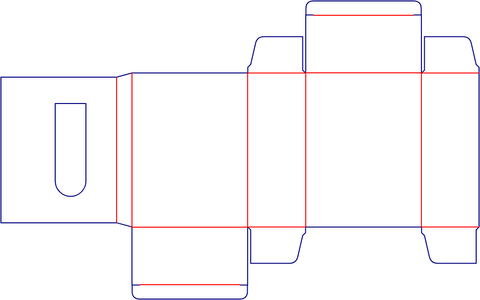 Dieline
Custom Rear-Opening Folding Cartons
Folding carton with rear opening. Orient the rear opening separately from the main display face.
Explore this structure
STYLE E60157
Dieline
Folding carton with rear opening. Orient the rear opening separately from the main display face.
Explore this structure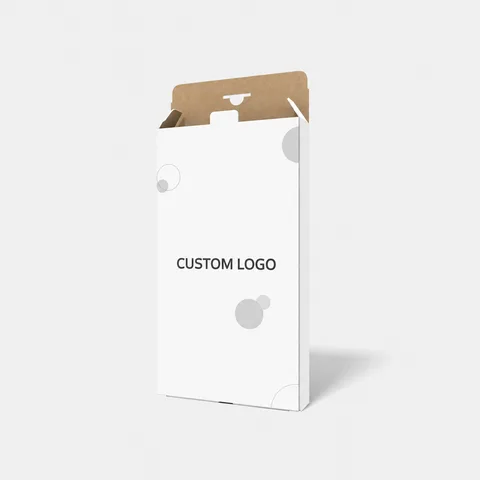 STYLE E60158
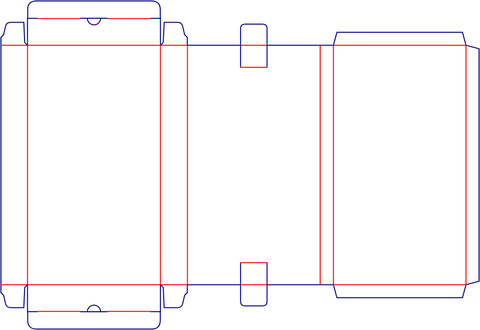 Dieline
Tuck-end carton. Include closure clearance at the top and bottom of the packed product.
Explore this structure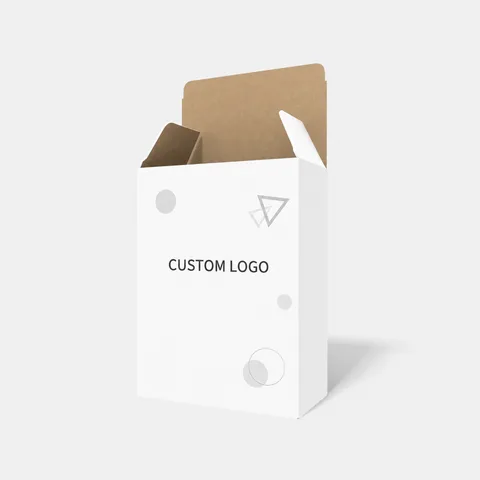 STYLE E60159
 Dieline
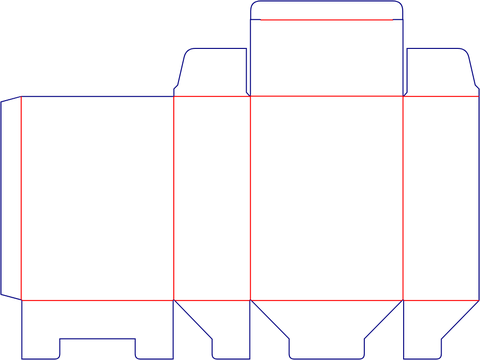
Auto-lock bottom carton with rear opening, auto-lock base. Orient the rear opening separately from the main display face.
Explore this structure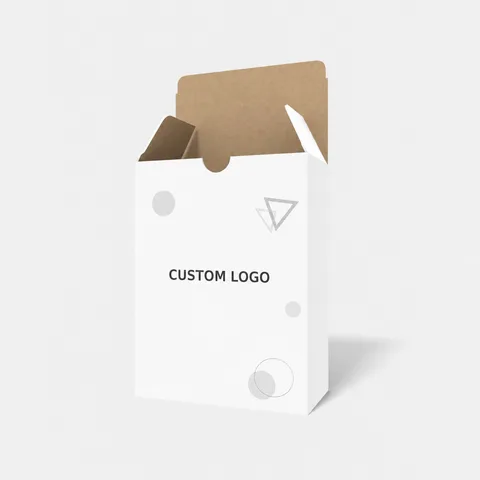 STYLE E60160
 Dieline
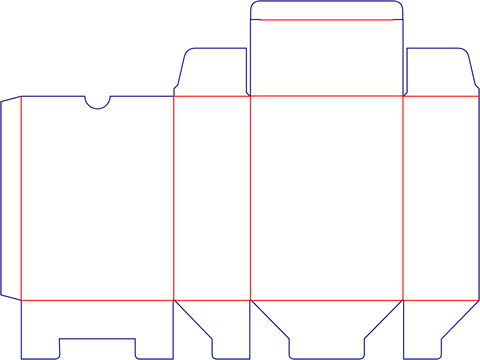
Folding carton with interlocking detail. Review how the named locking detail overlaps the printed panels.
Explore this structure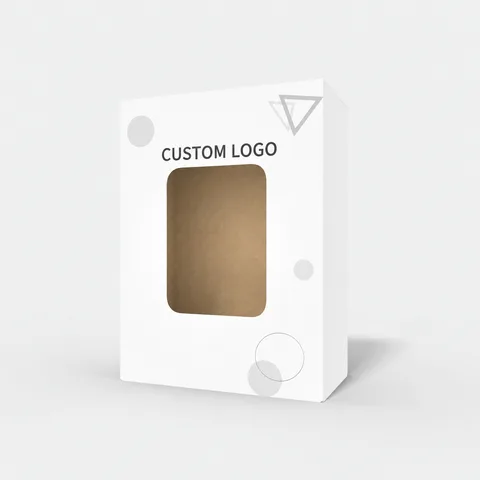 STYLE E60161
 Dieline
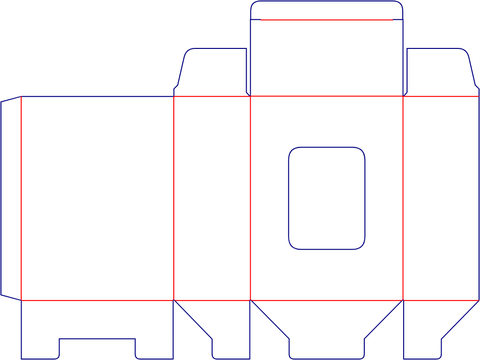
Window carton with display opening. Check the product view through the opening before positioning the logo.
Explore this structure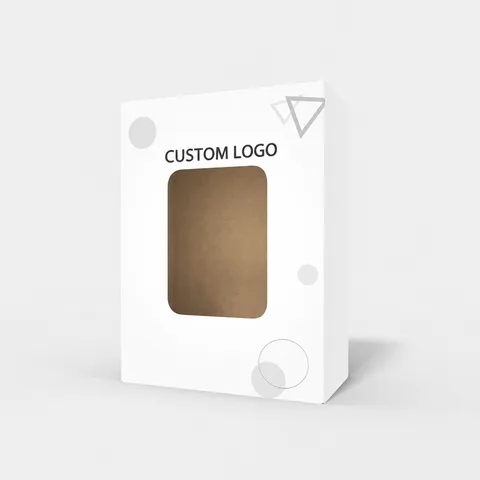 STYLE E60162
 Dieline
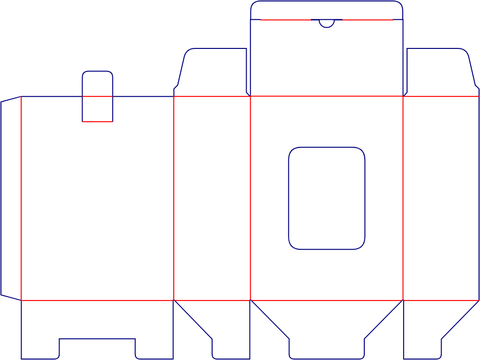
Window carton with display opening, rear opening. Check the product view through the opening before positioning the logo.
Explore this structure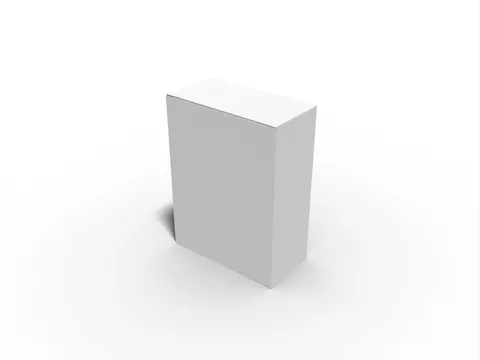 STYLE E60163
 Dieline
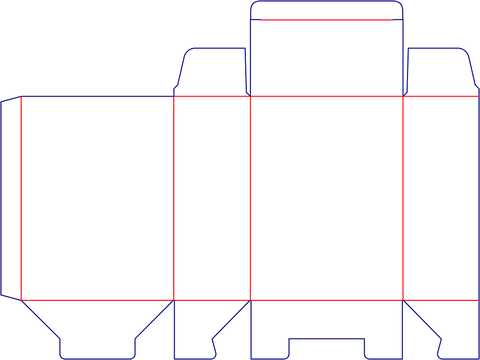
Tuck-end carton. Include closure clearance at the top and bottom of the packed product.
Explore this structure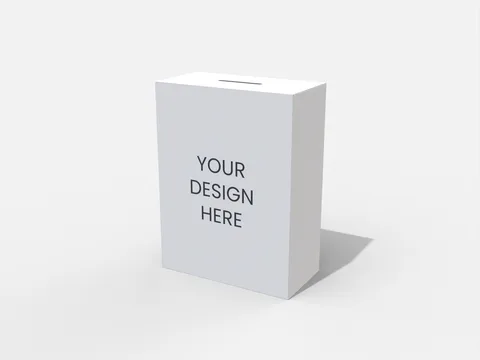 STYLE E60164
 Dieline
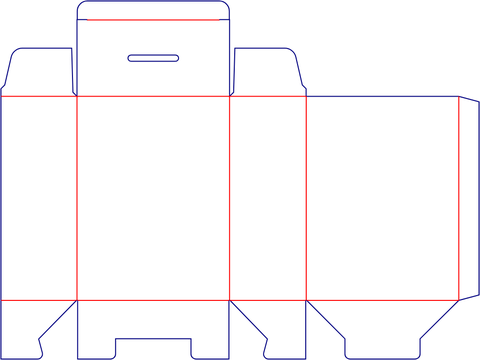
Hanging display carton with hanging feature. Confirm the attachment opening and keep nearby text clear.
Explore this structure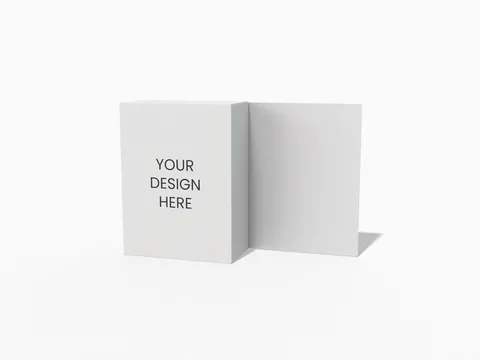 STYLE E60165
 Dieline
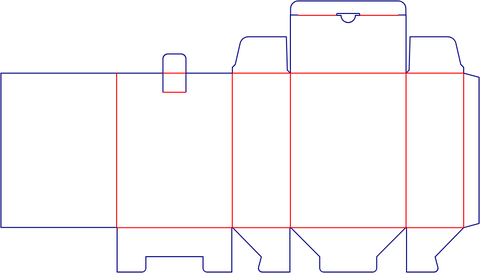
Folding carton. Check the full packed outline and the space used by the end closures.
Explore this structure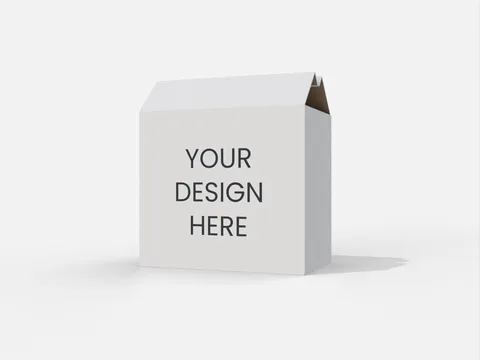 STYLE E60166
 Dieline
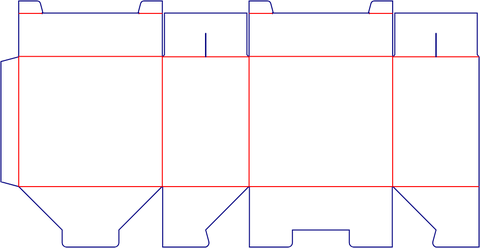
Folding carton. Check the full packed outline and the space used by the end closures.
Explore this structure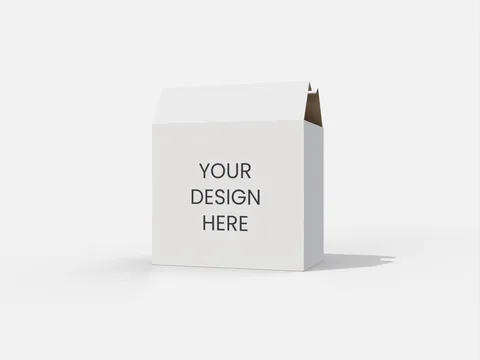 STYLE E60167
 Dieline
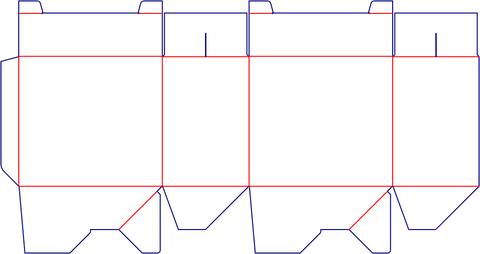
Folding carton. Check the full packed outline and the space used by the end closures.
Explore this structure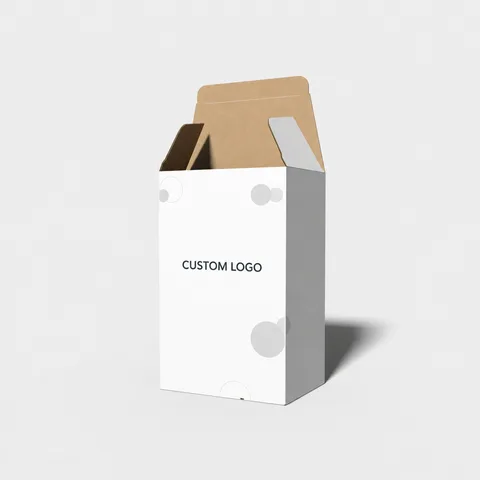 STYLE E60168
 Dieline
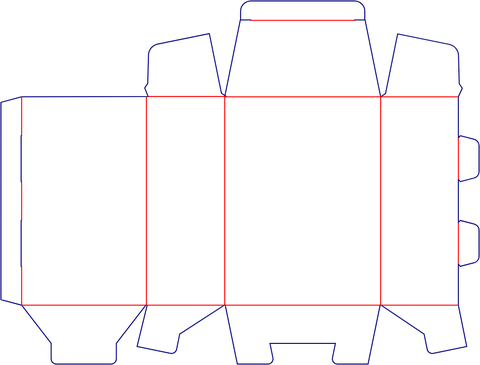
Tuck-end carton with rear opening. Orient the rear opening separately from the main display face.
Explore this structureTry another name or style number, or browse all product types.
Compare the assembled reference with the flat structure.
Review dimensions, visible panels and artwork orientation.
Confirm the production dieline and sample before approval.