
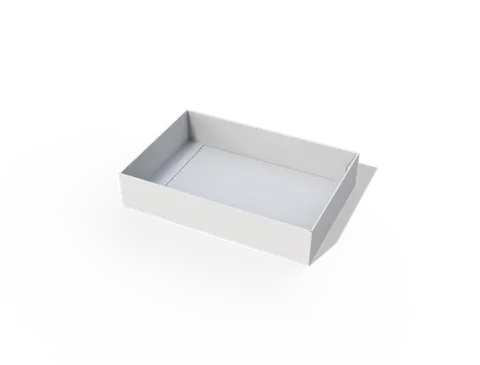
 STYLE E60913
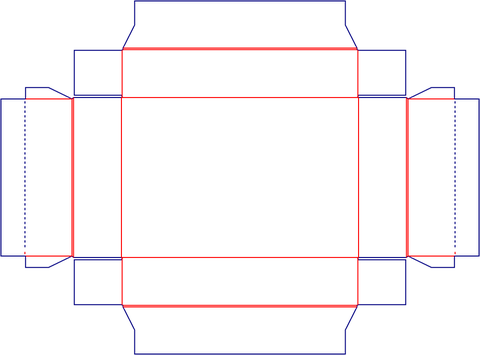 Dieline
Custom Packaging Trays
Open tray. Specify the usable base and wall height separately from overlapping corner folds.
Explore this structure
STYLE E60913
Dieline
Open tray. Specify the usable base and wall height separately from overlapping corner folds.
Explore this structure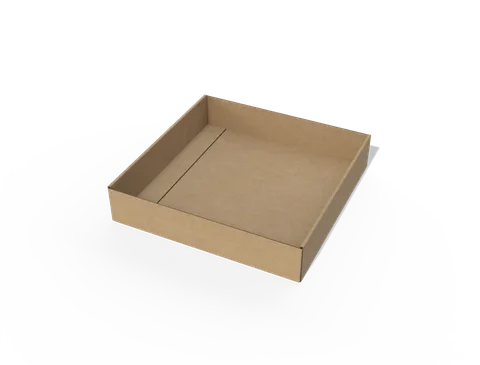 STYLE E60914
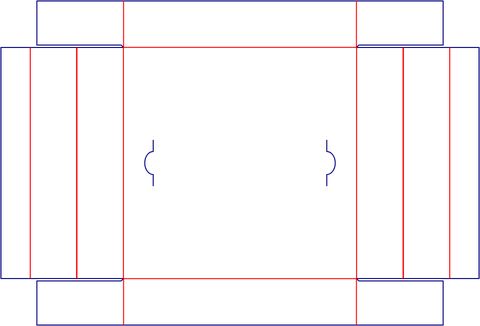 Dieline
Open tray. Specify the usable base and wall height separately from overlapping corner folds.
Explore this structure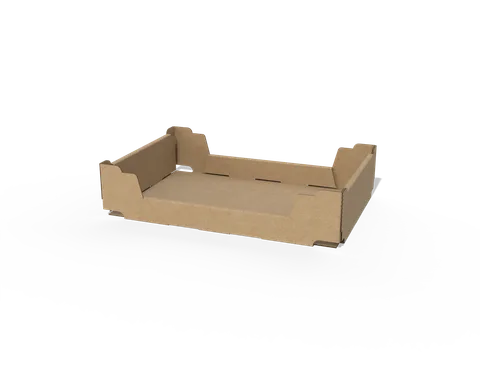 STYLE E60915
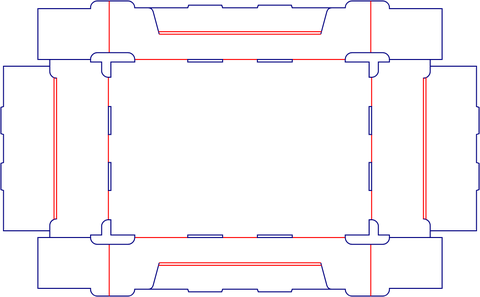 Dieline
Open tray with auto-lock base. Check the assembled base before finalising the usable cavity.
Explore this structure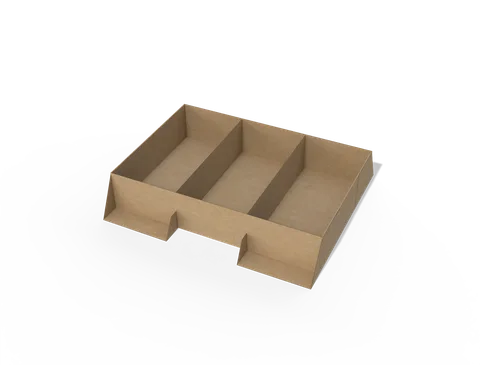 STYLE E60916
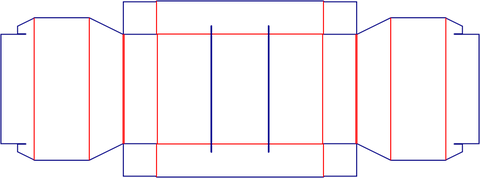 Dieline
Open tray. Specify the usable base and wall height separately from overlapping corner folds.
Explore this structure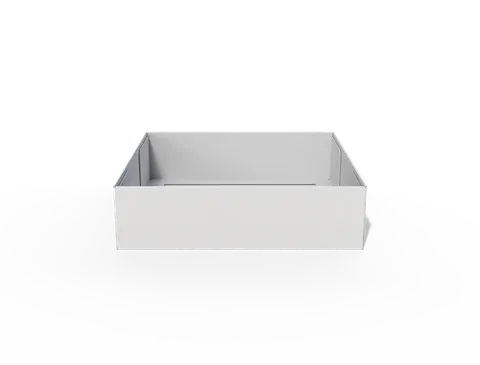 STYLE E60917
 Dieline
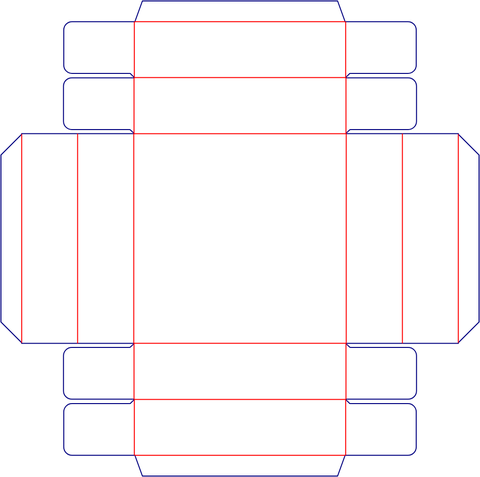
Open tray. Specify the usable base and wall height separately from overlapping corner folds.
Explore this structure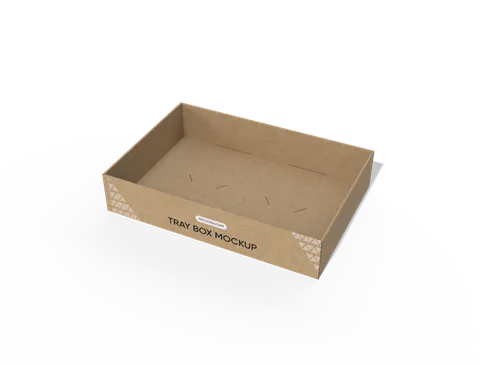 STYLE E60918
 Dieline
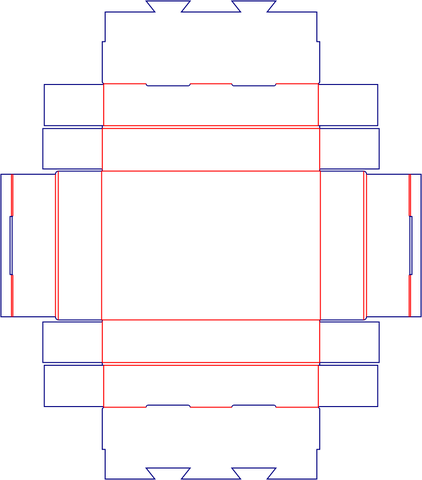
Open tray. Specify the usable base and wall height separately from overlapping corner folds.
Explore this structure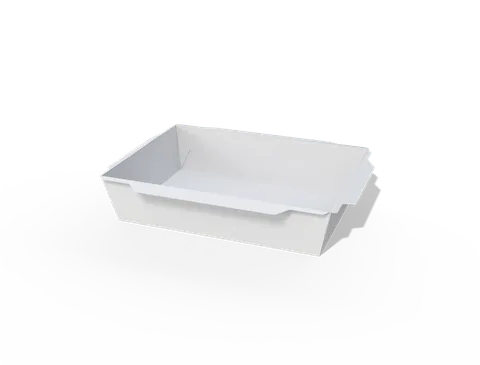 STYLE E60919
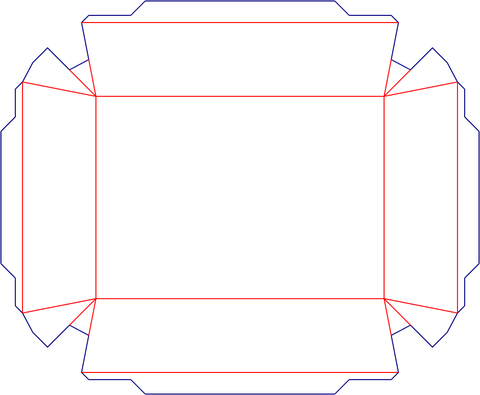 Dieline
Open tray. Specify the usable base and wall height separately from overlapping corner folds.
Explore this structure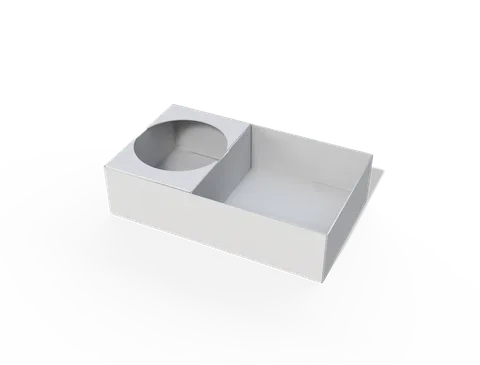 STYLE E60920
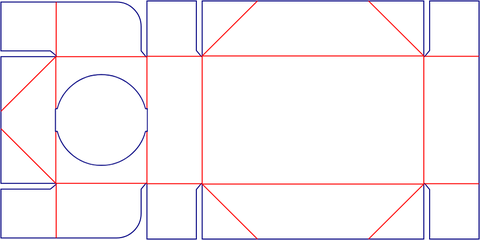 Dieline
Open tray. Specify the usable base and wall height separately from overlapping corner folds.
Explore this structure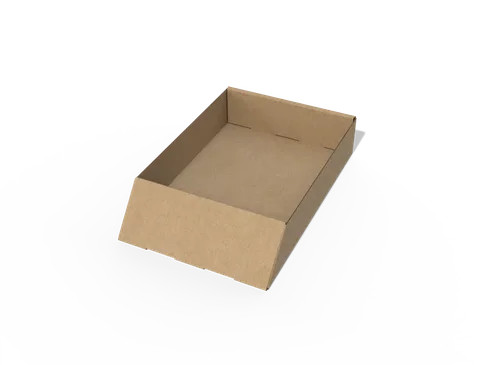 STYLE E60921
 Dieline
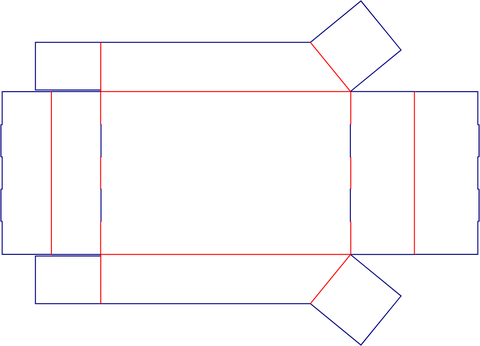
Open tray. Specify the usable base and wall height separately from overlapping corner folds.
Explore this structure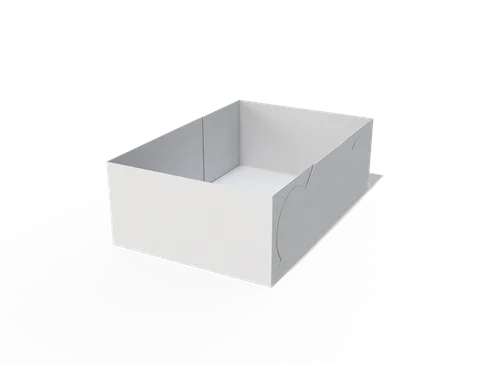 STYLE E60922
 Dieline
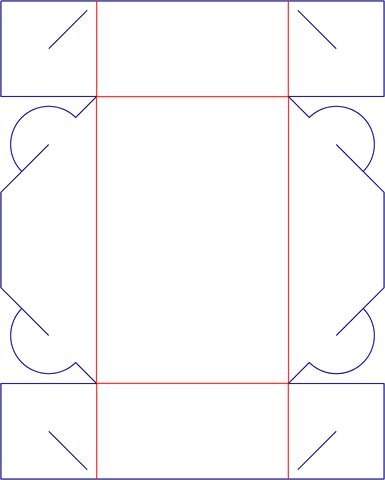
Open tray. Specify the usable base and wall height separately from overlapping corner folds.
Explore this structure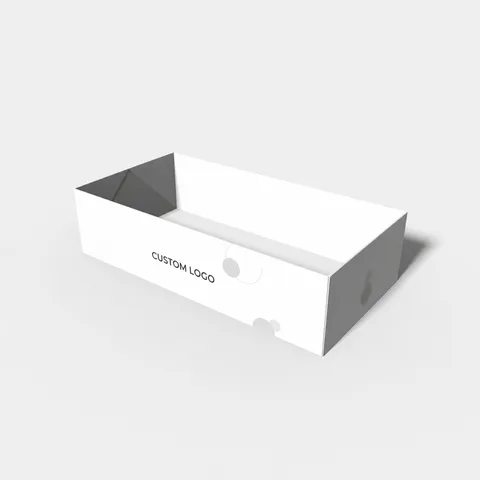 STYLE E60923
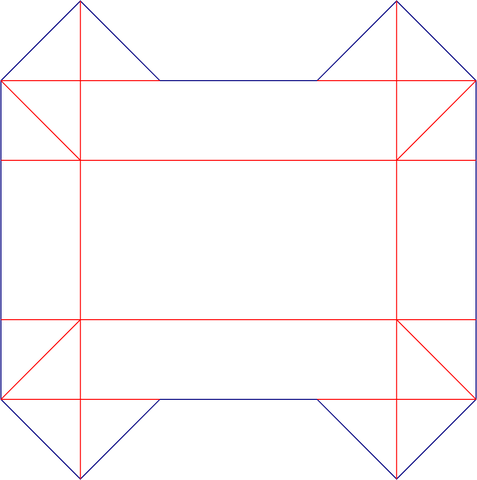 Dieline
Open tray. Specify the usable base and wall height separately from overlapping corner folds.
Explore this structure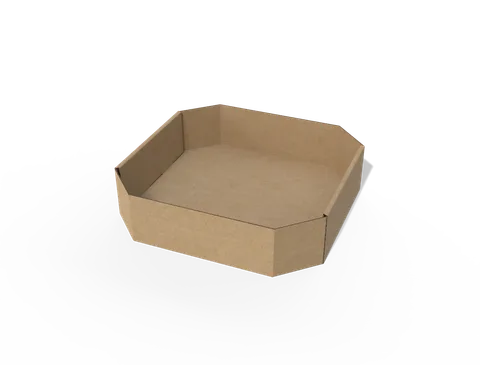 STYLE E60924
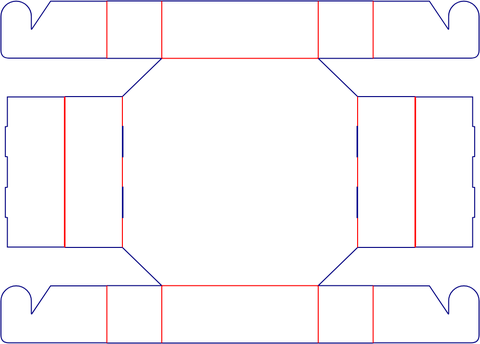 Dieline
Open tray with auto-lock base. Check the assembled base before finalising the usable cavity.
Explore this structureTry another name or style number, or browse all product types.
Compare the assembled reference with the flat structure.
Review dimensions, visible panels and artwork orientation.
Confirm the production dieline and sample before approval.