
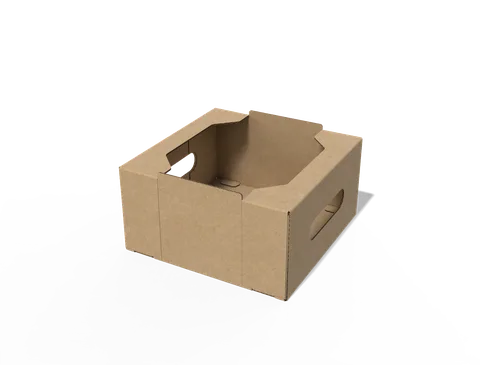
 STYLE E60973
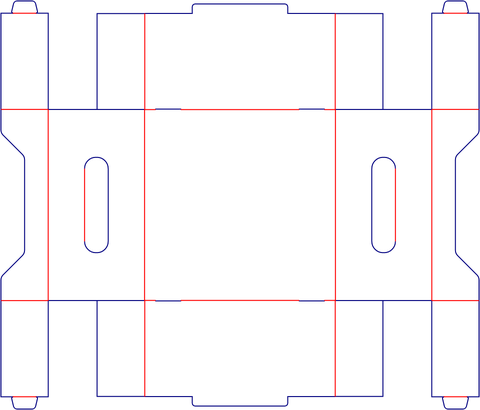 Dieline
Custom Display Trays with Hand Holes
Open display tray with hand holes in the side walls. Check the loaded footprint and keep the grip openings clear.
Explore this structure
STYLE E60973
Dieline
Open display tray with hand holes in the side walls. Check the loaded footprint and keep the grip openings clear.
Explore this structure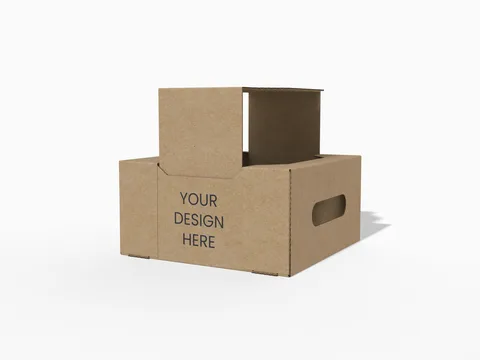 STYLE E60974
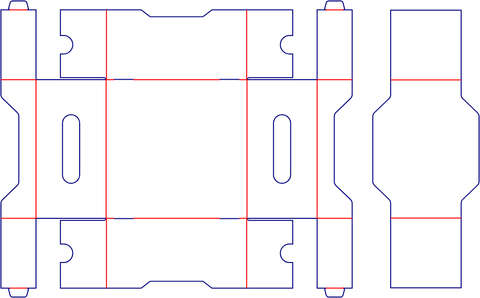 Dieline
Retail display. Confirm the number of units, their packed outlines and which surfaces remain visible when loaded.
Explore this structure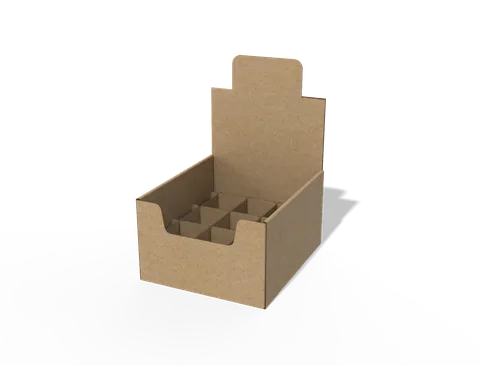 STYLE E60975
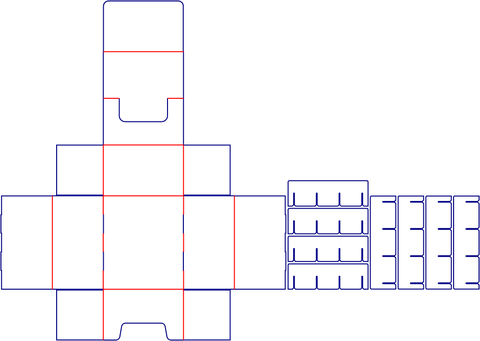 Dieline
Retail display. Confirm the number of units, their packed outlines and which surfaces remain visible when loaded.
Explore this structure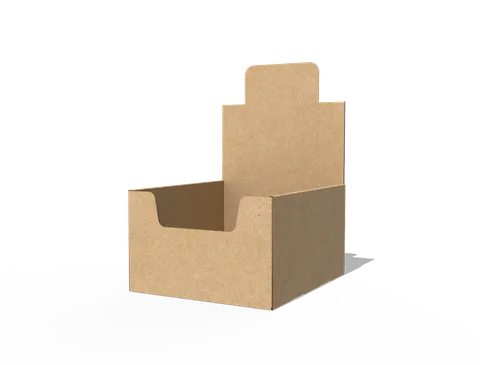 STYLE E60976
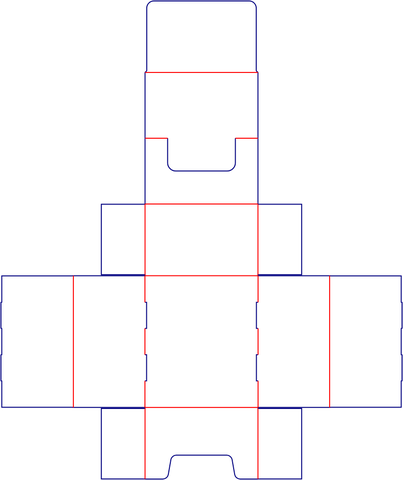 Dieline
Retail display. Confirm the number of units, their packed outlines and which surfaces remain visible when loaded.
Explore this structure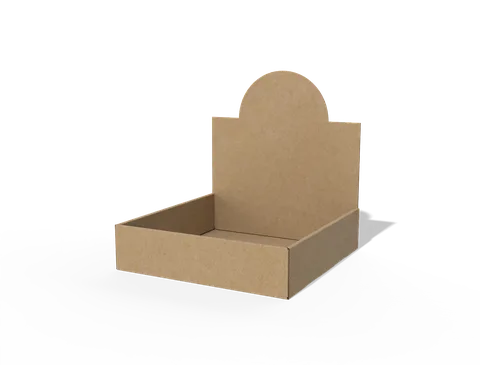 STYLE E60977
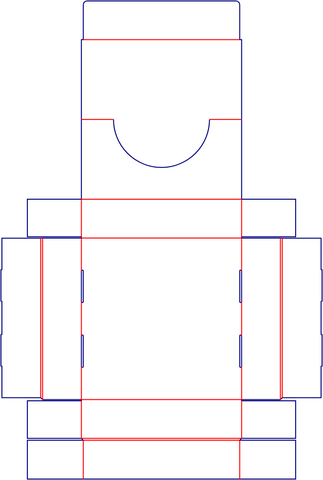 Dieline
Counter display tray. Specify the unit count, arrangement, loaded footprint and available counter space.
Explore this structure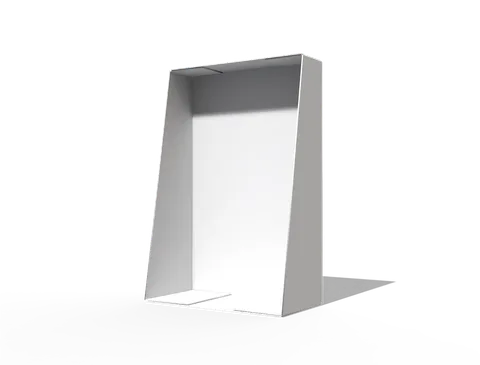 STYLE E60978
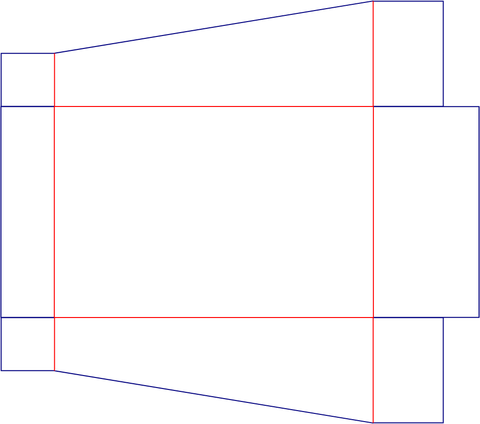 Dieline
Retail display. Confirm the number of units, their packed outlines and which surfaces remain visible when loaded.
Explore this structure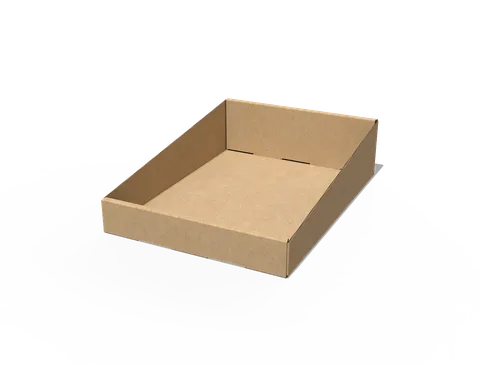 STYLE E60979
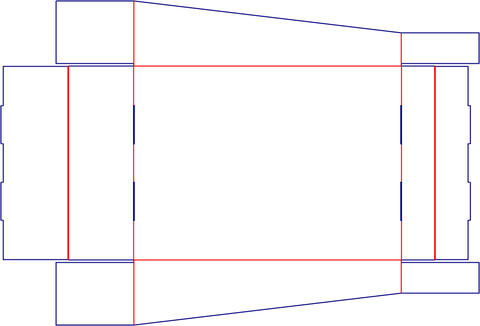 Dieline
Retail display. Confirm the number of units, their packed outlines and which surfaces remain visible when loaded.
Explore this structure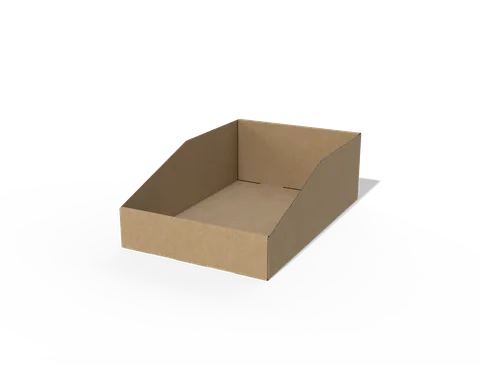 STYLE E60980
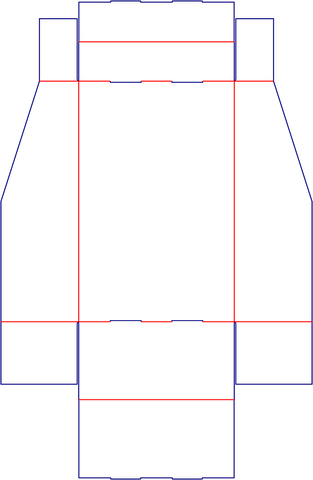 Dieline
Counter display tray. Specify the unit count, arrangement, loaded footprint and available counter space.
Explore this structure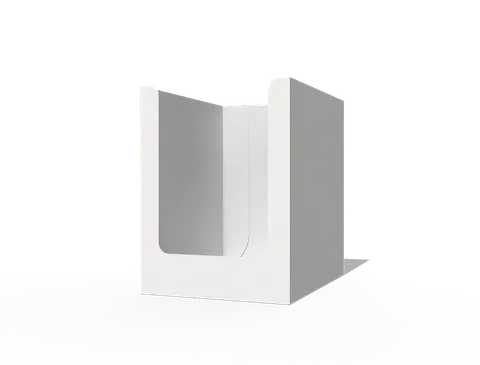 STYLE E60981
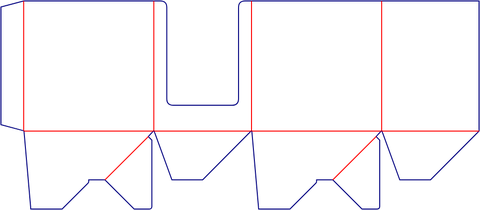 Dieline
Retail display. Confirm the number of units, their packed outlines and which surfaces remain visible when loaded.
Explore this structure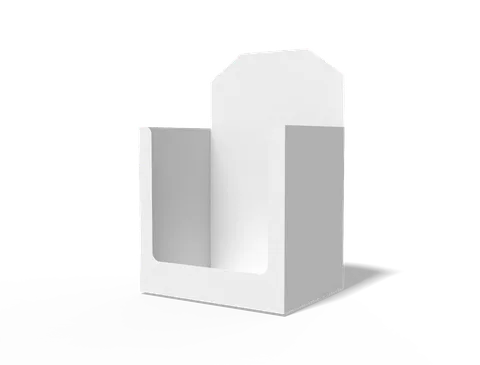 STYLE E60982
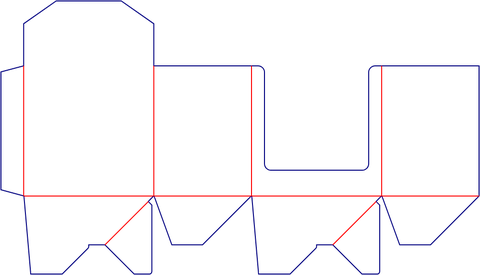 Dieline
Retail display. Confirm the number of units, their packed outlines and which surfaces remain visible when loaded.
Explore this structure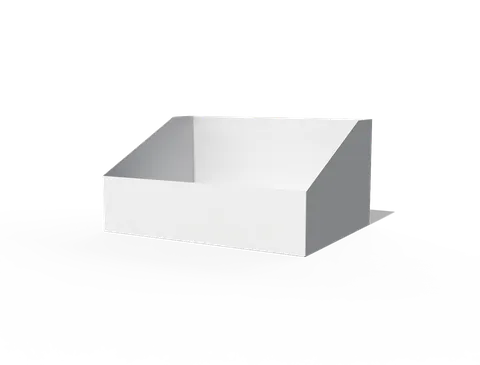 STYLE E60983
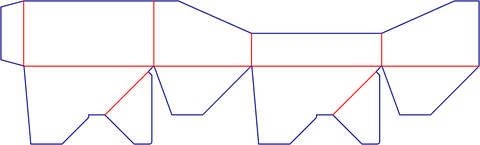 Dieline
Retail display. Confirm the number of units, their packed outlines and which surfaces remain visible when loaded.
Explore this structure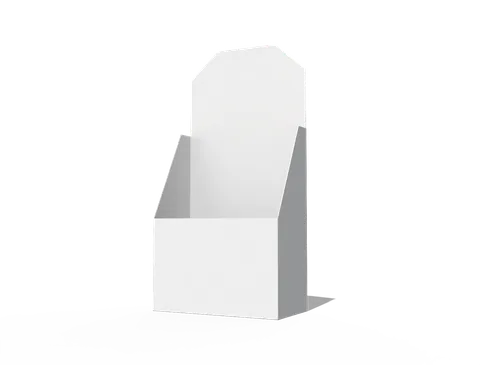 STYLE E60984
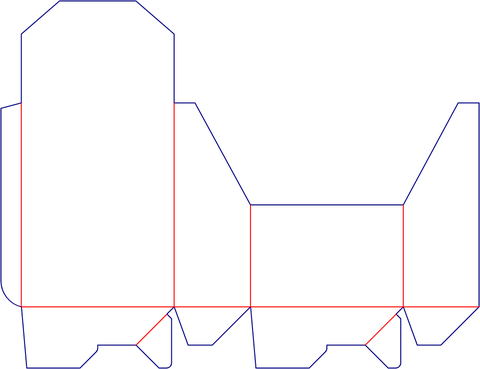 Dieline
Retail display. Confirm the number of units, their packed outlines and which surfaces remain visible when loaded.
Explore this structureTry another name or style number, or browse all product types.
Compare the assembled reference with the flat structure.
Review dimensions, visible panels and artwork orientation.
Confirm the production dieline and sample before approval.