
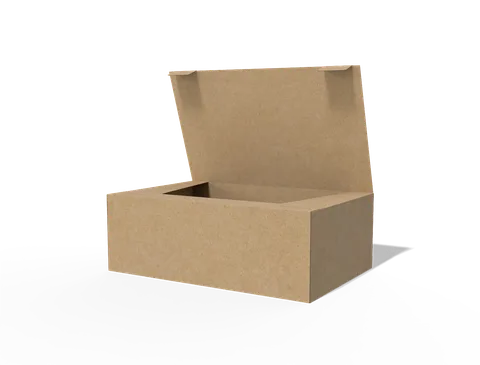
 STYLE E61021
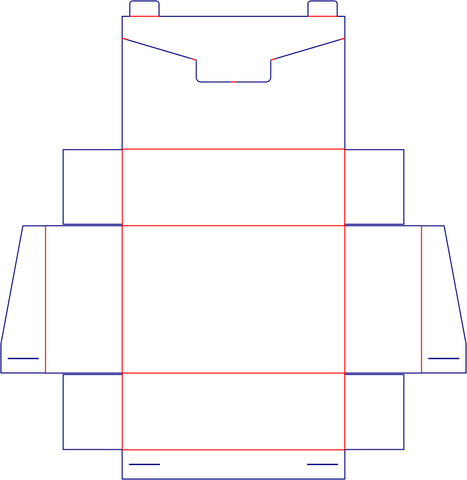 Dieline
Custom Retail Displays
Retail display. Confirm the number of units, their packed outlines and which surfaces remain visible when loaded.
Explore this structure
STYLE E61021
Dieline
Retail display. Confirm the number of units, their packed outlines and which surfaces remain visible when loaded.
Explore this structure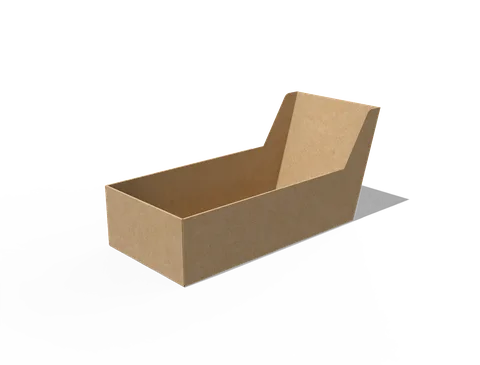 STYLE E61022
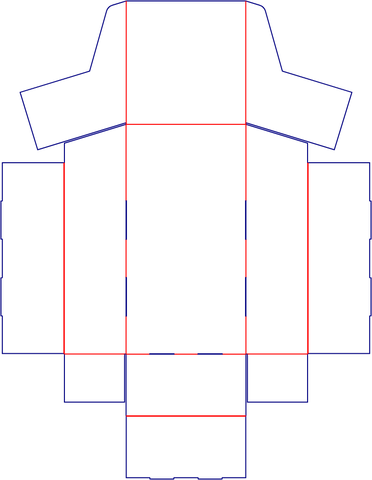 Dieline
Retail display. Confirm the number of units, their packed outlines and which surfaces remain visible when loaded.
Explore this structure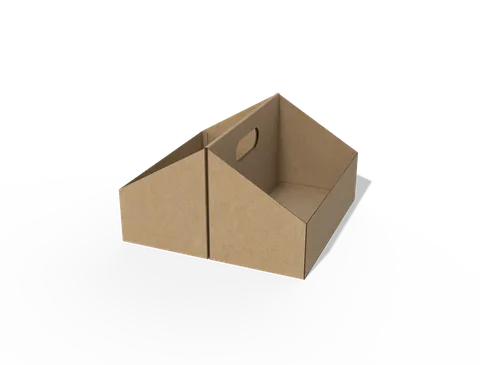 STYLE E61023
 Dieline
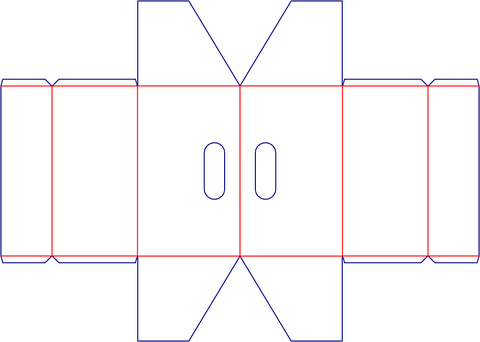
Open display tray with hand holes in the side walls. Check the loaded footprint and keep the grip openings clear.
Explore this structure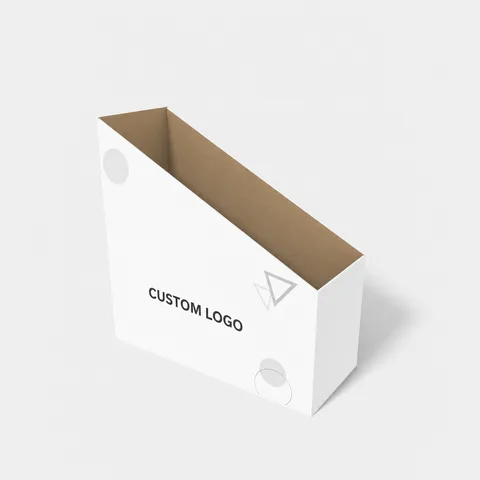 STYLE E61024
 Dieline
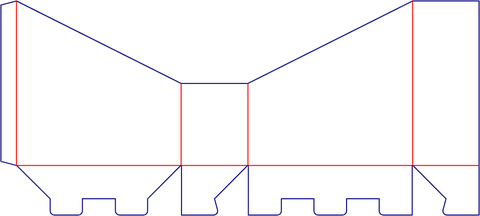
Retail display. Confirm the number of units, their packed outlines and which surfaces remain visible when loaded.
Explore this structure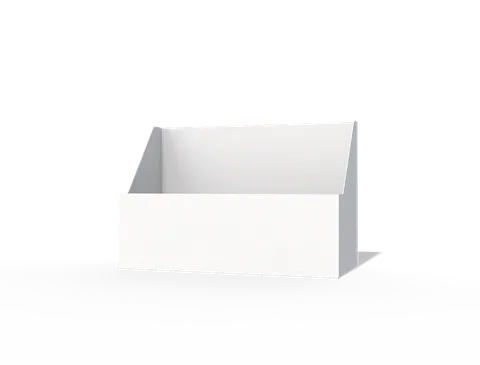 STYLE E61025
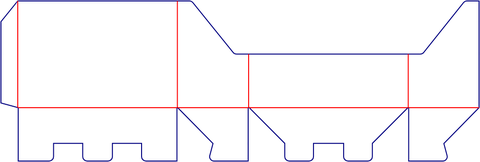 Dieline
Retail display. Confirm the number of units, their packed outlines and which surfaces remain visible when loaded.
Explore this structure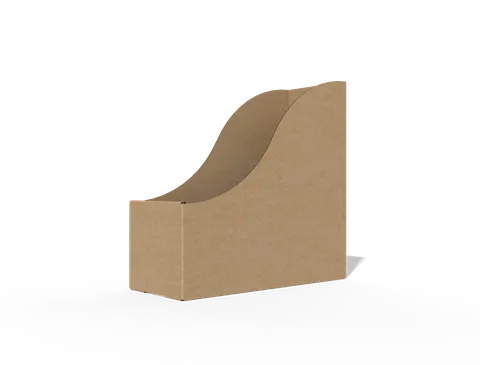 STYLE E61026
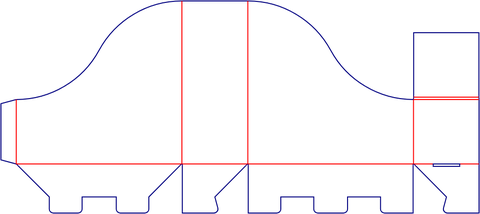 Dieline
Retail display. Confirm the number of units, their packed outlines and which surfaces remain visible when loaded.
Explore this structure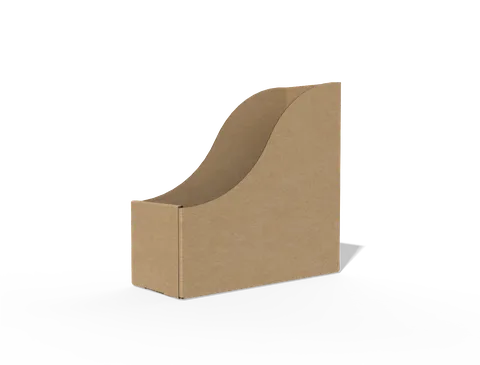 STYLE E61027
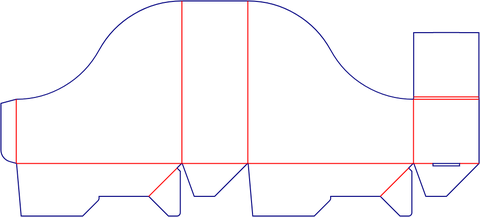 Dieline
Retail display. Confirm the number of units, their packed outlines and which surfaces remain visible when loaded.
Explore this structure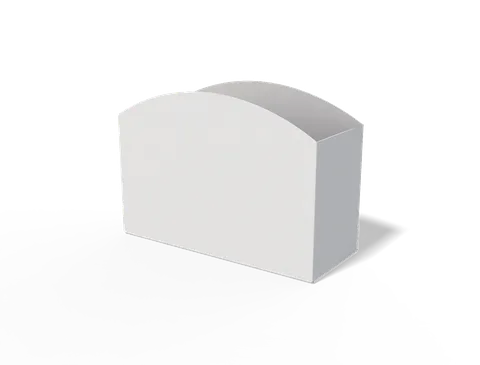 STYLE E61028
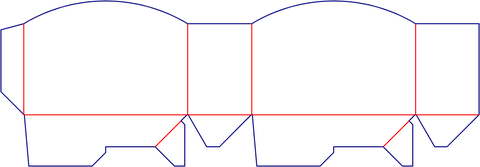 Dieline
Retail display. Confirm the number of units, their packed outlines and which surfaces remain visible when loaded.
Explore this structure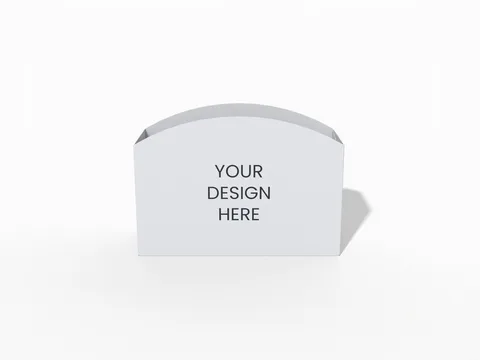 STYLE E61029
 Dieline
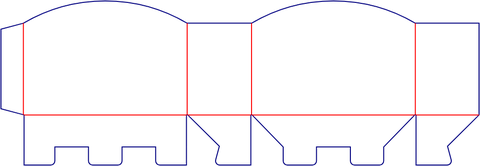
Retail display. Confirm the number of units, their packed outlines and which surfaces remain visible when loaded.
Explore this structure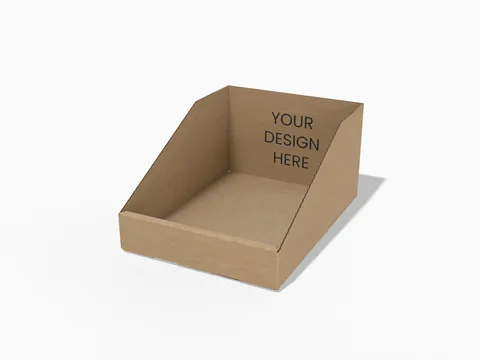 STYLE E61030
 Dieline
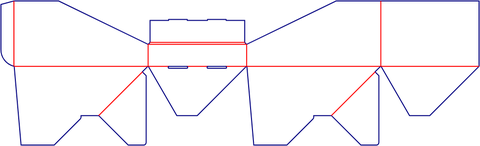
Retail display. Confirm the number of units, their packed outlines and which surfaces remain visible when loaded.
Explore this structure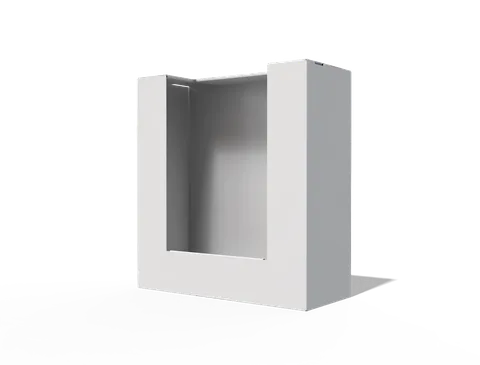 STYLE E61031
 Dieline
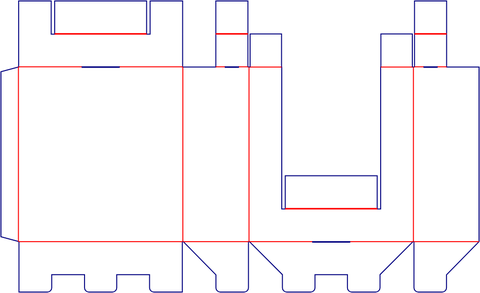
Retail display. Confirm the number of units, their packed outlines and which surfaces remain visible when loaded.
Explore this structure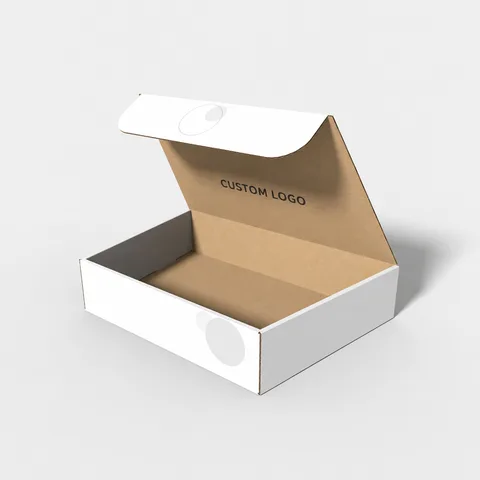 STYLE E61032
 Dieline
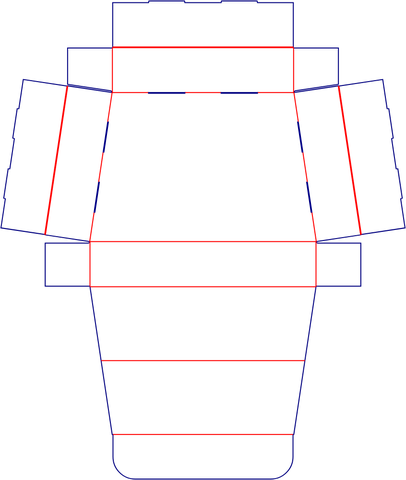
Hinged-lid box. Check the lid sweep, closing tabs and wall thickness around the packed contents.
Explore this structureTry another name or style number, or browse all product types.
Compare the assembled reference with the flat structure.
Review dimensions, visible panels and artwork orientation.
Confirm the production dieline and sample before approval.