
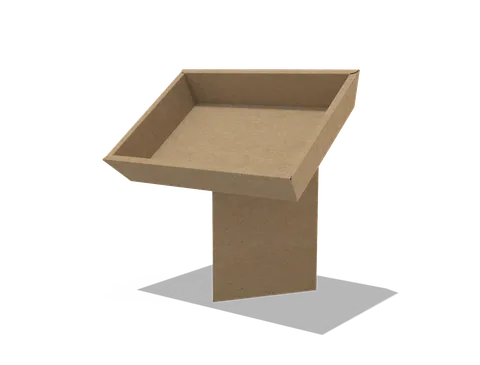
 STYLE E61045
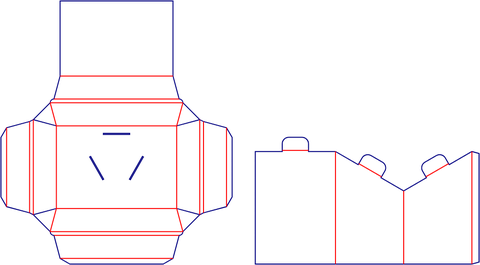 Dieline
Custom Retail Displays
Retail display. Confirm the number of units, their packed outlines and which surfaces remain visible when loaded.
Explore this structure
STYLE E61045
Dieline
Retail display. Confirm the number of units, their packed outlines and which surfaces remain visible when loaded.
Explore this structure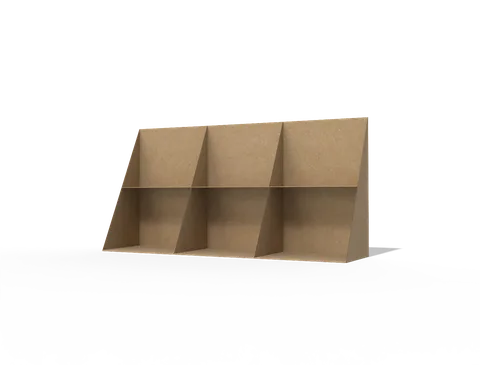 STYLE E61046
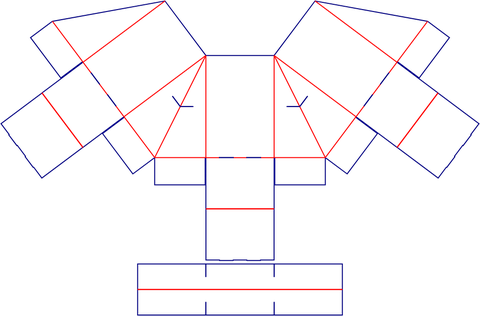 Dieline
Retail display. Confirm the number of units, their packed outlines and which surfaces remain visible when loaded.
Explore this structure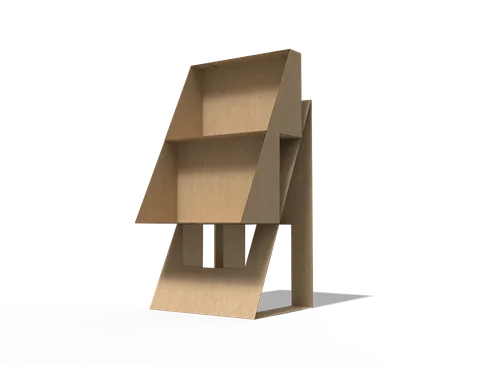 STYLE E61047
 Dieline
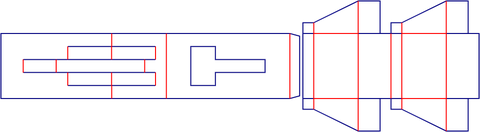
Display stand. Provide the product count, unit weight, shelf arrangement and intended installation footprint.
Explore this structure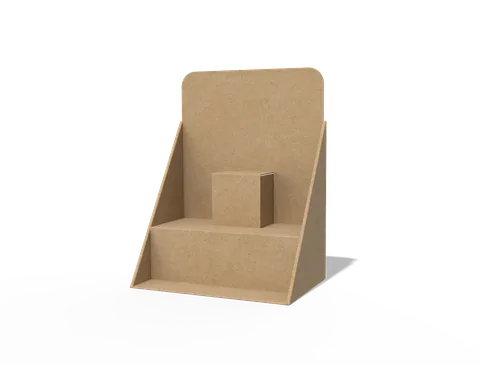 STYLE E61048
 Dieline
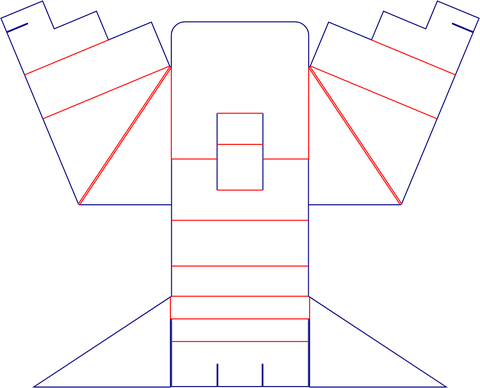
Retail display. Confirm the number of units, their packed outlines and which surfaces remain visible when loaded.
Explore this structure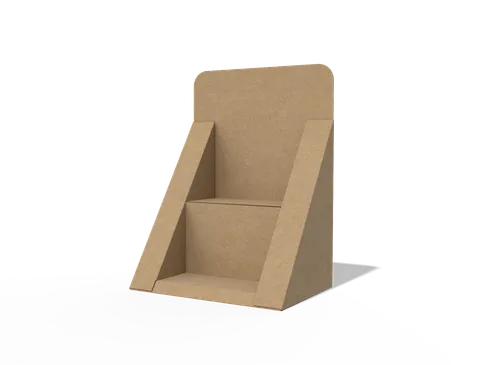 STYLE E61049
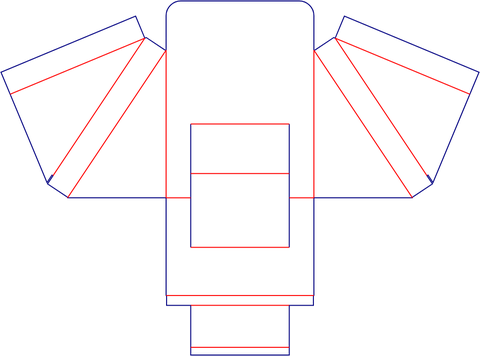 Dieline
Retail display. Confirm the number of units, their packed outlines and which surfaces remain visible when loaded.
Explore this structure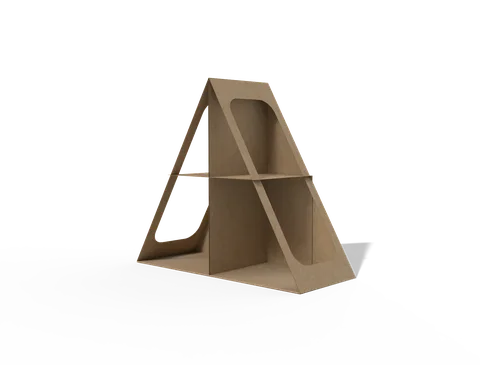 STYLE E61050
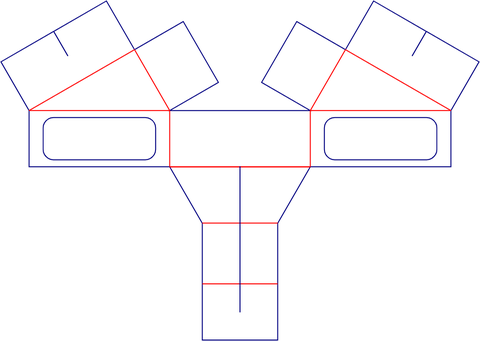 Dieline
Display stand. Provide the product count, unit weight, shelf arrangement and intended installation footprint.
Explore this structure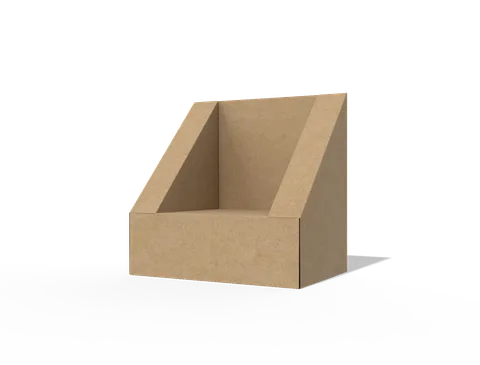 STYLE E61051
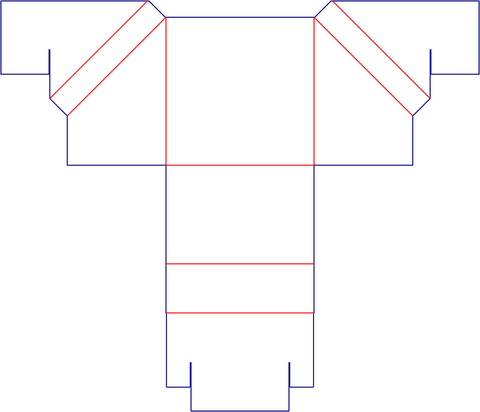 Dieline
Retail display. Confirm the number of units, their packed outlines and which surfaces remain visible when loaded.
Explore this structure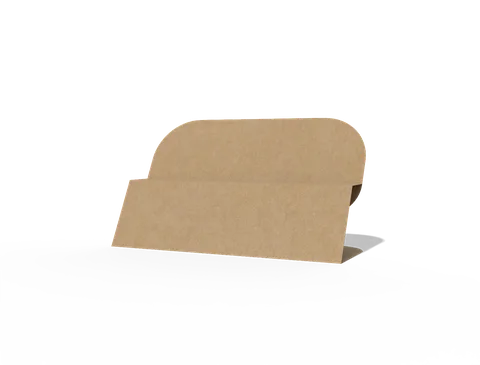 STYLE E61052
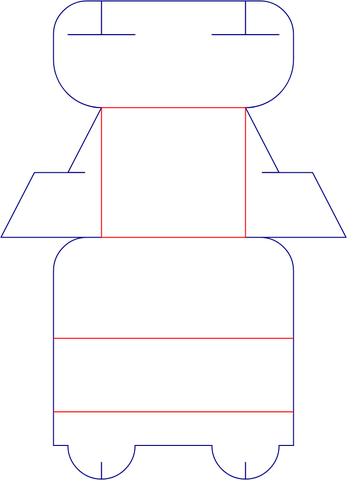 Dieline
Retail display. Confirm the number of units, their packed outlines and which surfaces remain visible when loaded.
Explore this structure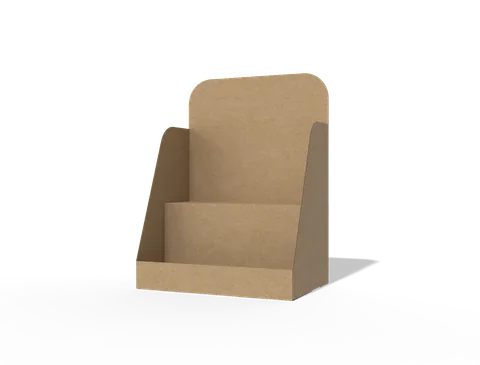 STYLE E61053
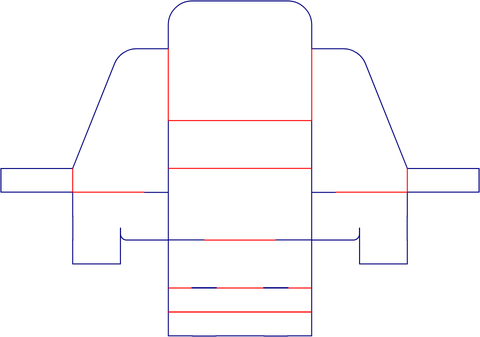 Dieline
Retail display. Confirm the number of units, their packed outlines and which surfaces remain visible when loaded.
Explore this structure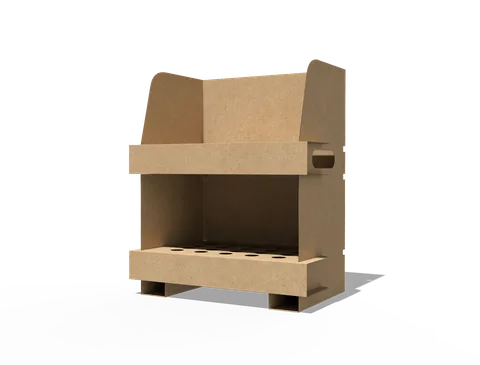 STYLE E61054
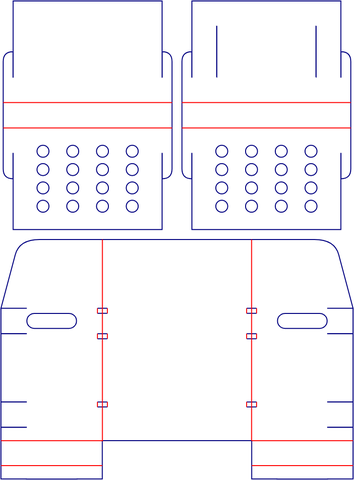 Dieline
Display stand. Provide the product count, unit weight, shelf arrangement and intended installation footprint.
Explore this structure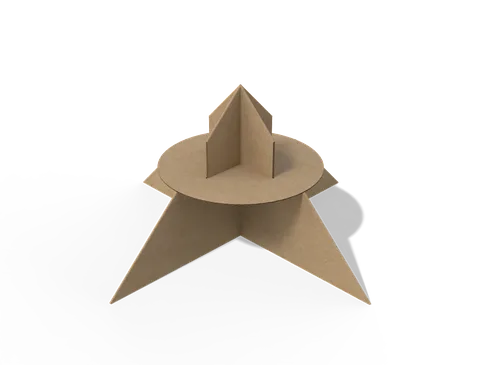 STYLE E61055
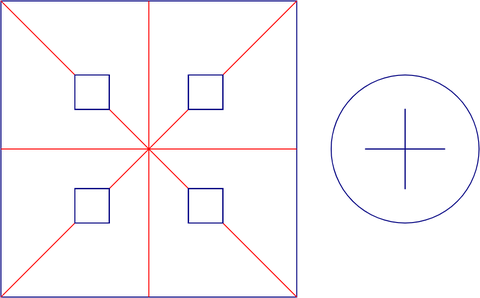 Dieline
Retail display. Confirm the number of units, their packed outlines and which surfaces remain visible when loaded.
Explore this structure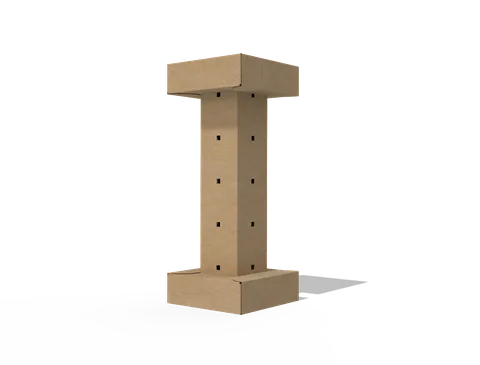 STYLE E61056
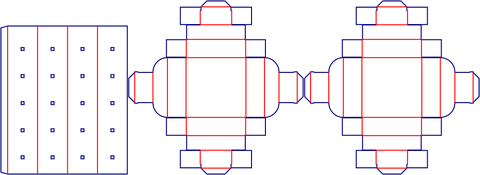 Dieline
Retail display. Confirm the number of units, their packed outlines and which surfaces remain visible when loaded.
Explore this structureTry another name or style number, or browse all product types.
Compare the assembled reference with the flat structure.
Review dimensions, visible panels and artwork orientation.
Confirm the production dieline and sample before approval.