
 STYLE E61561
 Artwork
Custom Shaped Bookmarks
A narrow bookmark has two opposing curved corners. Confirm the finished outline and usable printed area.
Explore this structure
STYLE E61561
Artwork
A narrow bookmark has two opposing curved corners. Confirm the finished outline and usable printed area.
Explore this structure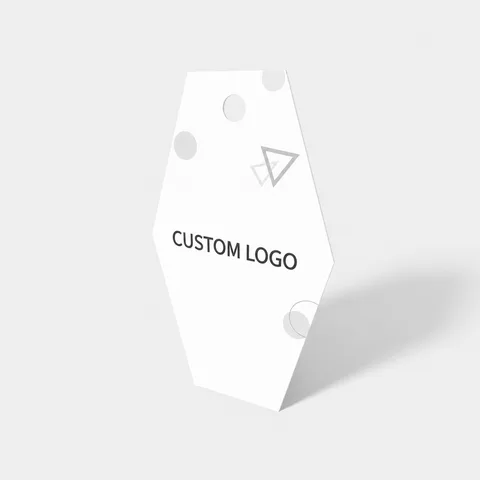 STYLE E61562
 Artwork
Hang tag. Specify the finished outline and the position and size of the attachment opening.
Explore this structure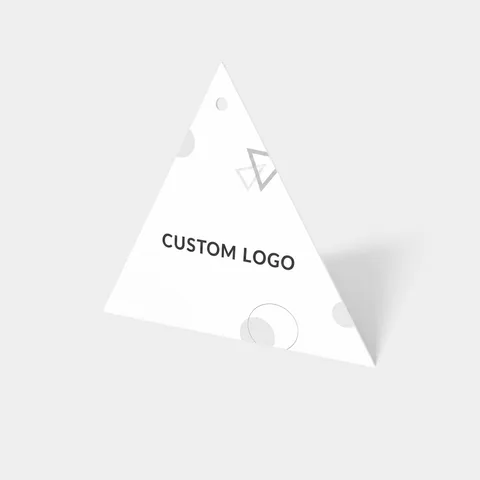 STYLE E61563
 Artwork
Hang tag. Specify the finished outline and the position and size of the attachment opening.
Explore this structure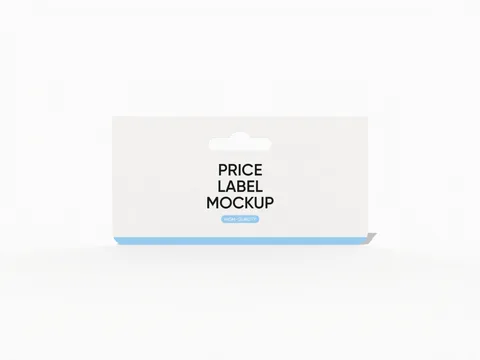 STYLE E61564
 Artwork
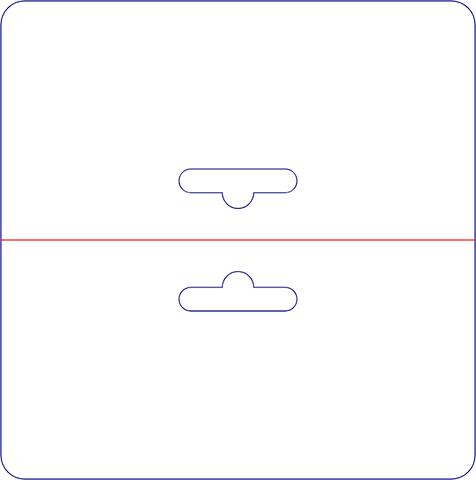
Printed card with hanging feature. Confirm the attachment opening and keep nearby text clear.
Explore this structure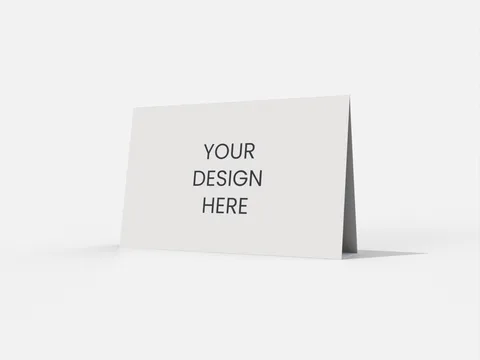 STYLE E61565
 Artwork
Standing tent card. Specify the finished display width and height, standing depth and open-sheet panel widths separately.
Explore this structure STYLE E61566
 Artwork
Hang tag. Specify the finished outline and the position and size of the attachment opening.
Explore this structure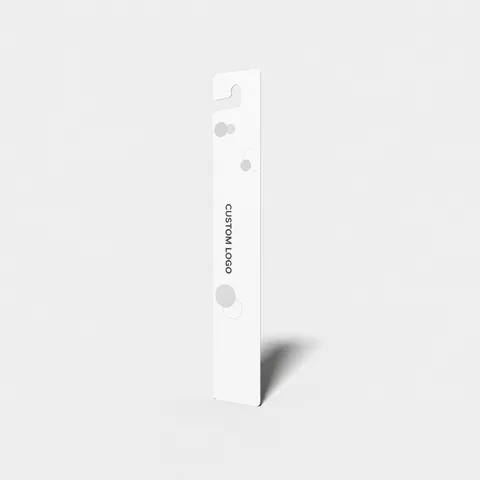 STYLE E61567
 Artwork
Hang tag with hanging feature. Confirm the attachment opening and keep nearby text clear.
Explore this structure STYLE E61568
 Artwork
Business card. Specify the finished trim and any fold or shaped corner separately.
Explore this structure STYLE E61569
 Artwork
Bookmark. Specify the finished trim and any hole, tassel or shaped edge separately.
Explore this structure STYLE E61570
 Artwork
Bookmark. Specify the finished trim and any hole, tassel or shaped edge separately.
Explore this structure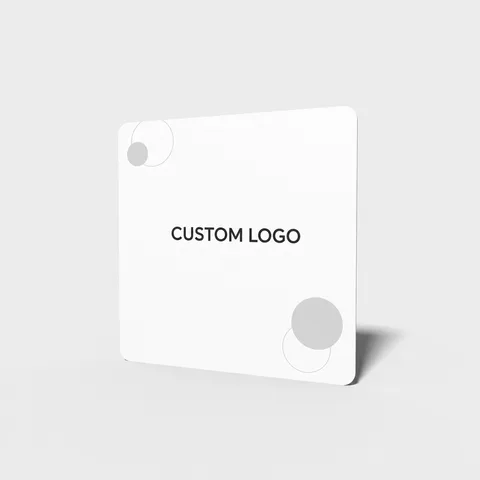 STYLE E61571
 Artwork
Product label with square-format reference. Confirm which face is square and specify its finished dimensions.
Explore this structure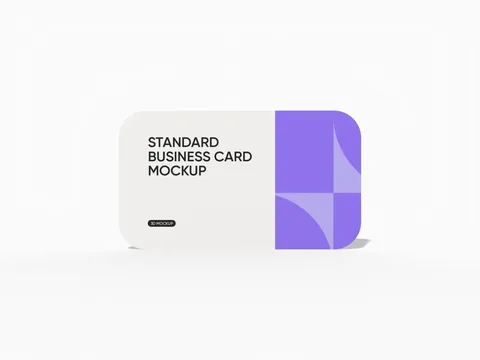 STYLE E61572
 Artwork
Business card with rounded corners. Keep small text inside the rounded trim boundary.
Explore this structureTry another name or style number, or browse all product types.
Compare the assembled reference with the flat structure.
Review dimensions, visible panels and artwork orientation.
Confirm the production dieline and sample before approval.