
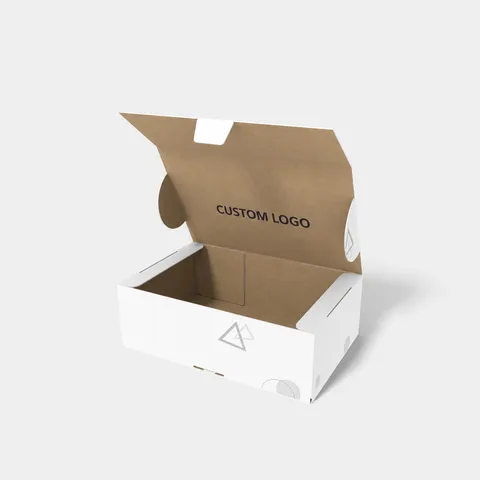
 STYLE E61609
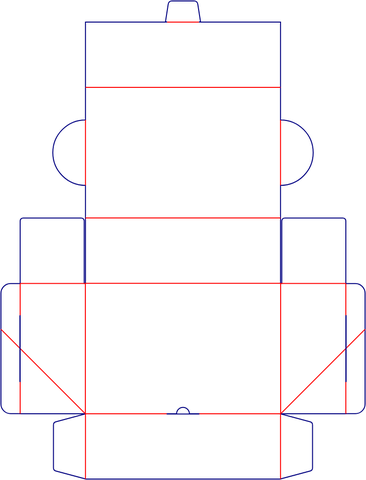 Dieline
Custom Hinged-Lid Boxes
Hinged-lid box with soft cover. Set the spine width after paper and page count are agreed.
Explore this structure
STYLE E61609
Dieline
Hinged-lid box with soft cover. Set the spine width after paper and page count are agreed.
Explore this structure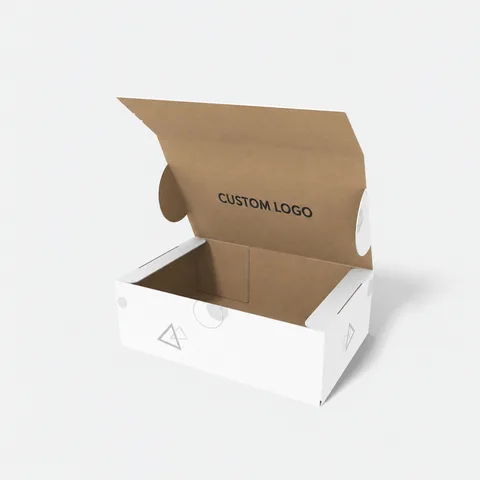 STYLE E61610
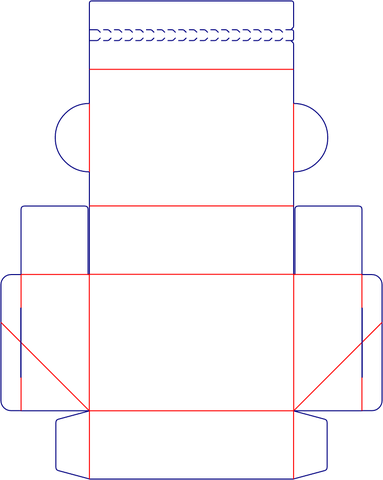 Dieline
Hinged-lid box with tear strips. Keep the tear strip clear of essential artwork and check the opening path on a folded sample.
Explore this structure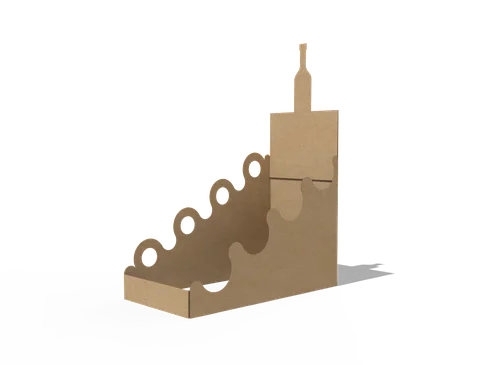 STYLE E61611
 Dieline
Retail display. Confirm the number of units, their packed outlines and which surfaces remain visible when loaded.
Explore this structure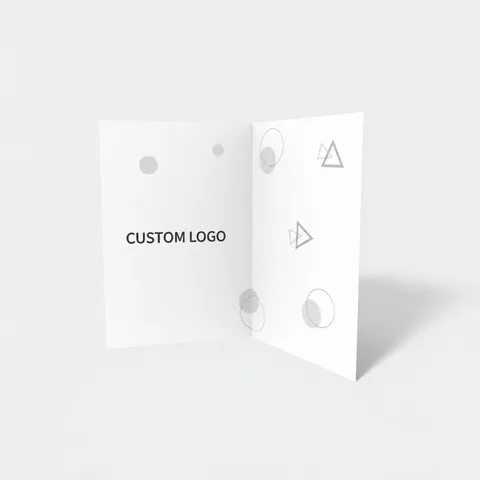 STYLE E61612
 Artwork
Brochure. State whether dimensions describe the closed brochure or the open sheet, and specify the fold or binding.
Explore this structure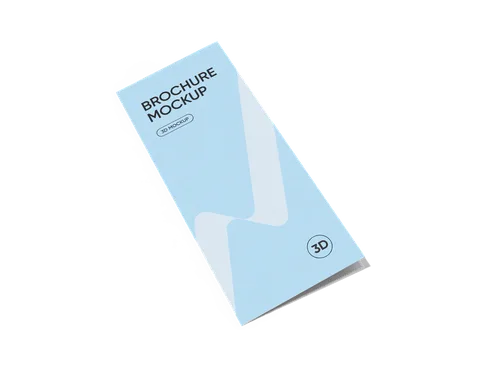 STYLE E61613
 Artwork
Folded leaflet with three-panel fold. Confirm the open-sheet width and any adjustment to the nesting panel.
Explore this structure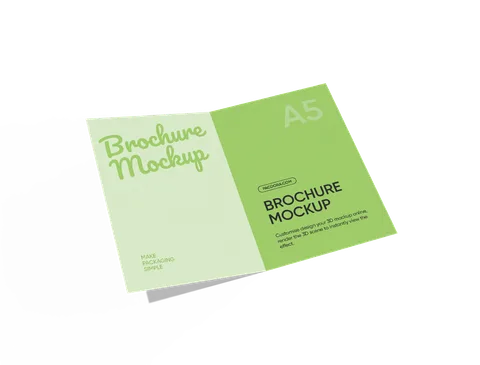 STYLE E61614
 Artwork
Brochure with A5 format reference. Confirm whether the named format describes the page, insert or finished outside item.
Explore this structure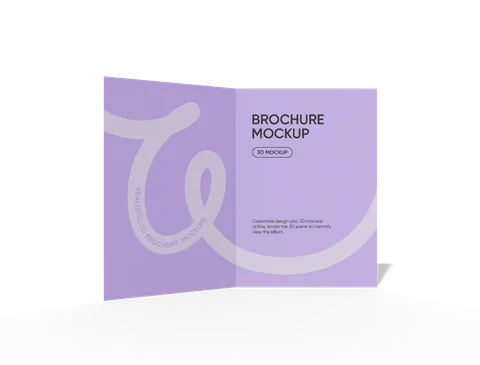 STYLE E61615
 Artwork
Brochure with square-format reference. Confirm which face is square and specify its finished dimensions.
Explore this structure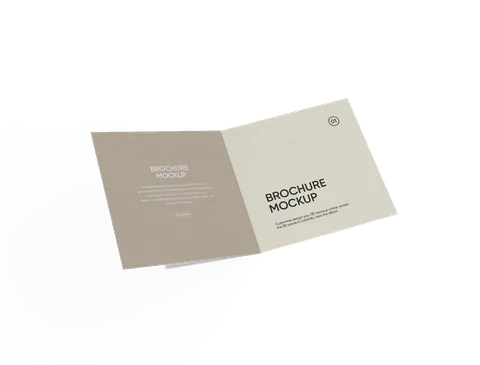 STYLE E61616
 Artwork
Brochure. State whether dimensions describe the closed brochure or the open sheet, and specify the fold or binding.
Explore this structure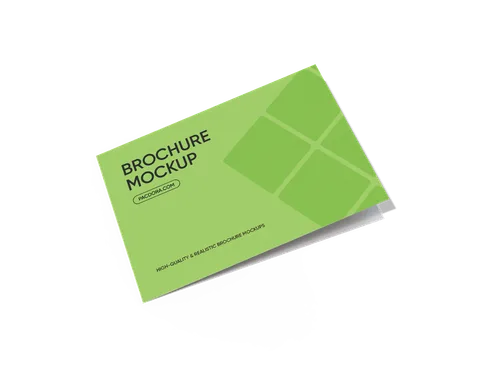 STYLE E61617
 Artwork
Folded leaflet with half-fold format. Supply both the open-sheet size and the closed trim.
Explore this structure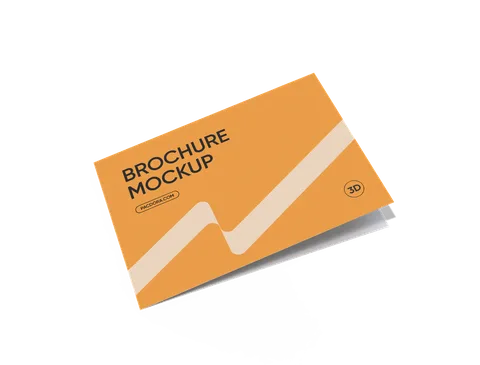 STYLE E61618
 Artwork
Brochure. State whether dimensions describe the closed brochure or the open sheet, and specify the fold or binding.
Explore this structure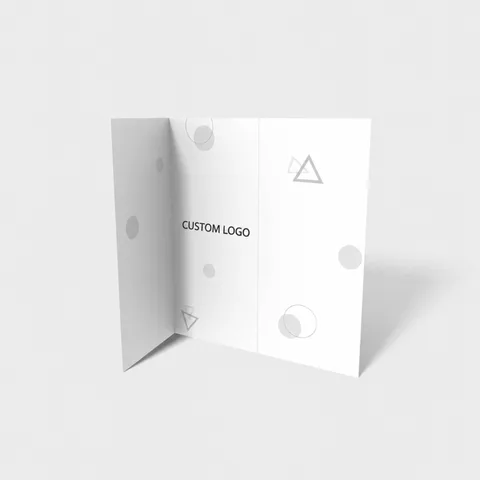 STYLE E61619
 Artwork
Folded leaflet with Z-fold sequence. Check the alternating panel orientation on a folded proof.
Explore this structure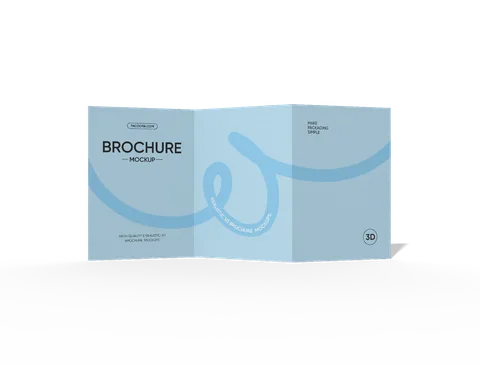 STYLE E61620
 Artwork
Brochure. State whether dimensions describe the closed brochure or the open sheet, and specify the fold or binding.
Explore this structureTry another name or style number, or browse all product types.
Compare the assembled reference with the flat structure.
Review dimensions, visible panels and artwork orientation.
Confirm the production dieline and sample before approval.