
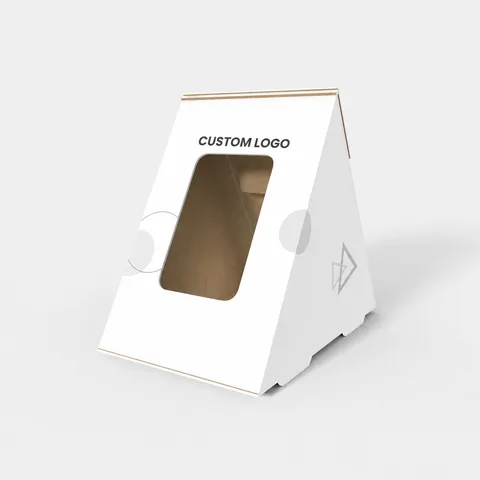
 STYLE E61093
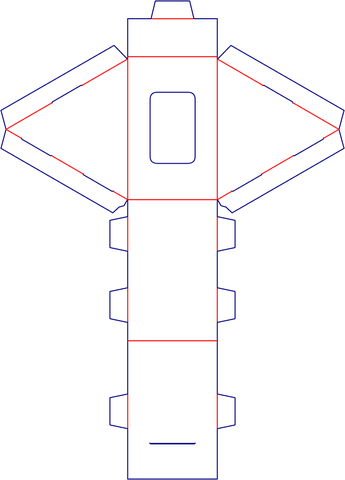 Dieline
Custom Triangular Boxes with Windows
Triangular box with windows. Position the packed product behind the window and specify any separate window film.
Explore this structure
STYLE E61093
Dieline
Triangular box with windows. Position the packed product behind the window and specify any separate window film.
Explore this structure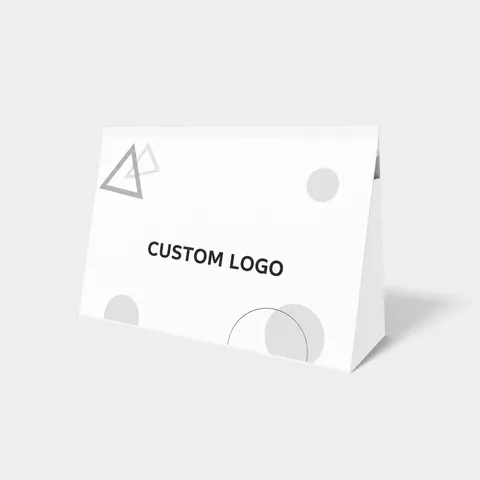 STYLE E61094
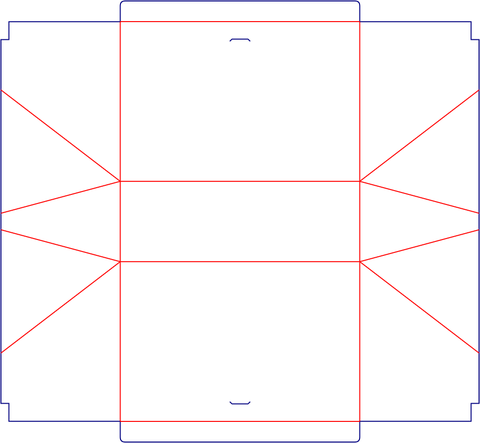 Dieline
Triangular box. Specify a maximum envelope and confirm the cross-section and usable cavity separately.
Explore this structure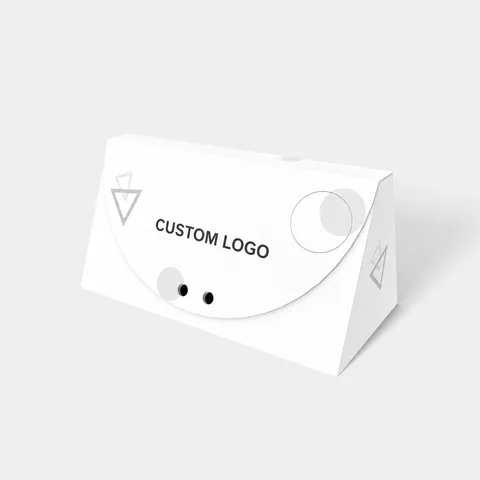 STYLE E61095
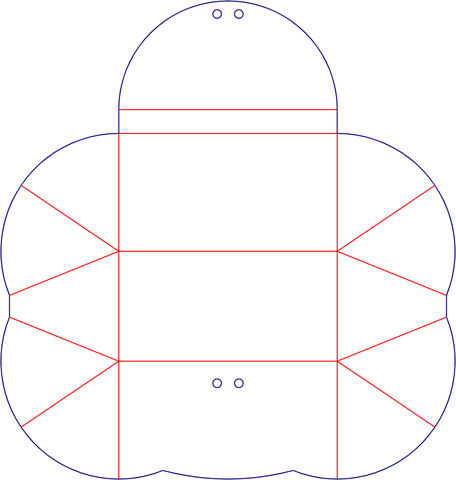 Dieline
Shaped box with tapered outline. Measure the wider and narrower edges rather than relying on one nominal width.
Explore this structure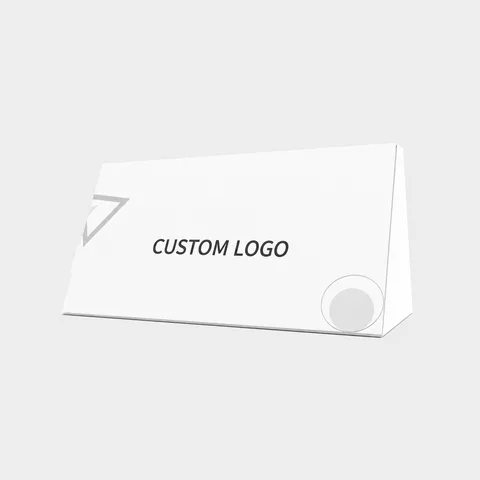 STYLE E61096
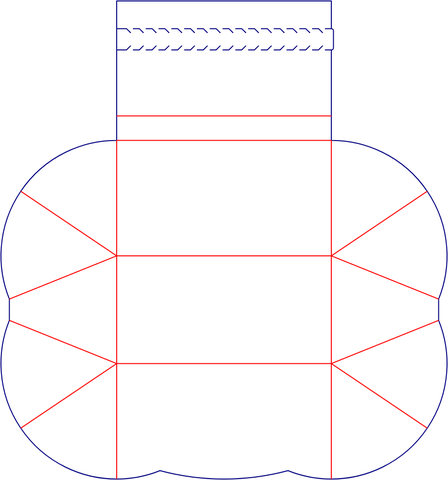 Dieline
Trapezoidal box with tear strips. Keep the tear strip clear of essential artwork and check the opening path on a folded sample.
Explore this structure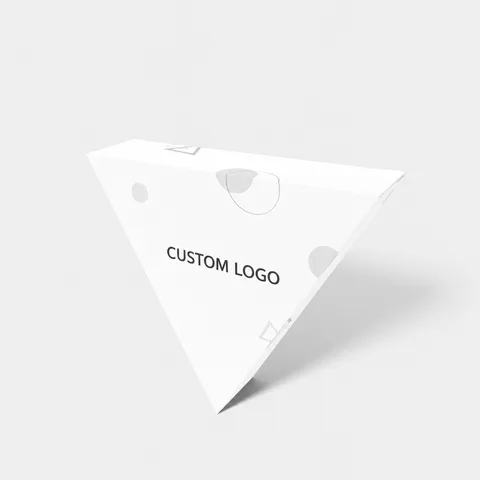 STYLE E61097
 Dieline
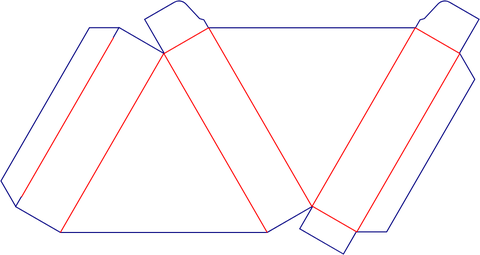
Triangular box. Specify a maximum envelope and confirm the cross-section and usable cavity separately.
Explore this structure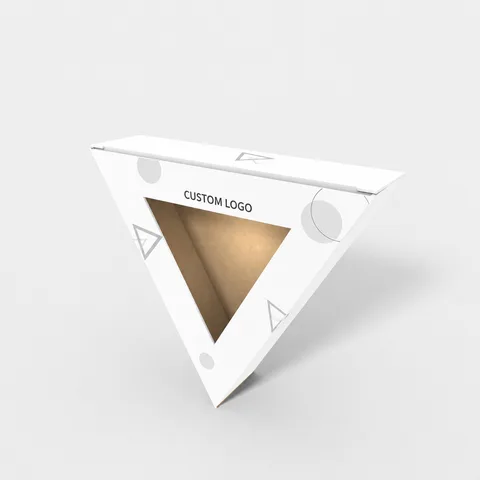 STYLE E61098
 Dieline
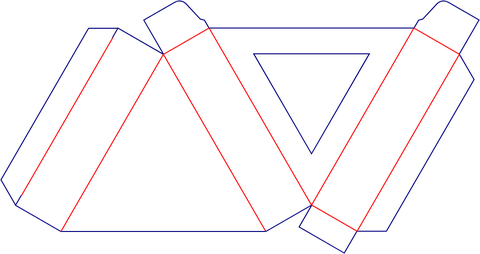
Triangular box with display opening. Check the product view through the opening before positioning the logo.
Explore this structure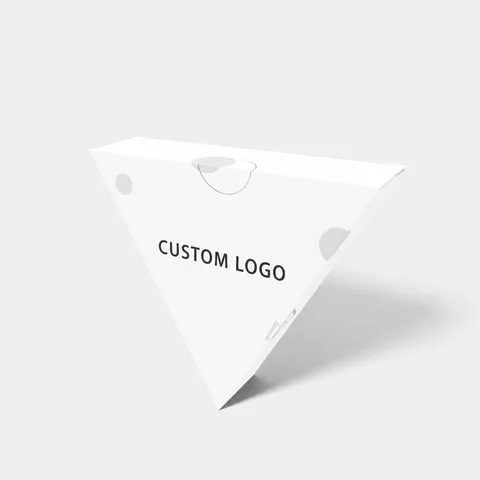 STYLE E61099
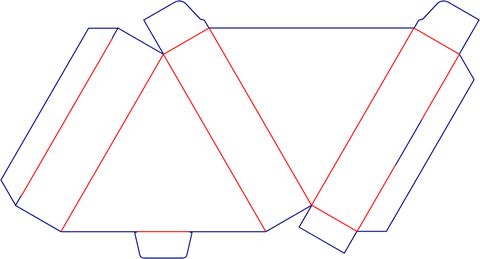 Dieline
Triangular box. Specify a maximum envelope and confirm the cross-section and usable cavity separately.
Explore this structure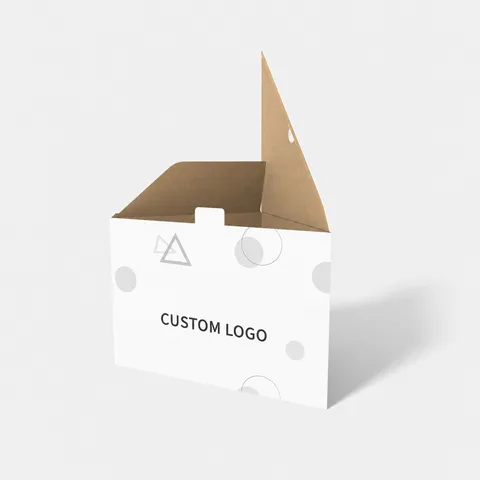 STYLE E61100
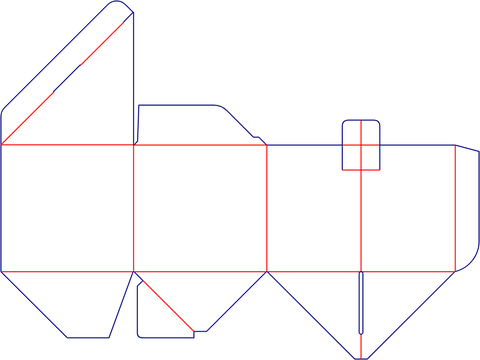 Dieline
Triangular box. Specify a maximum envelope and confirm the cross-section and usable cavity separately.
Explore this structure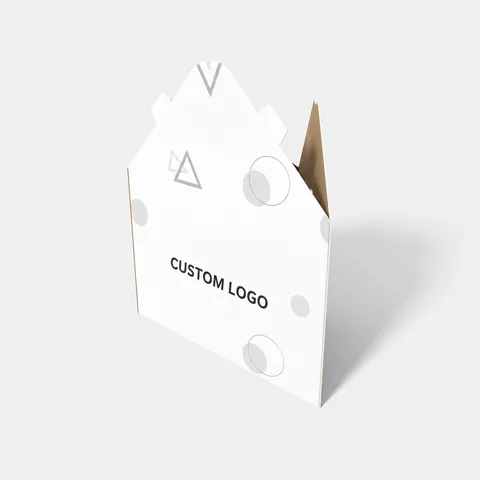 STYLE E61101
 Dieline
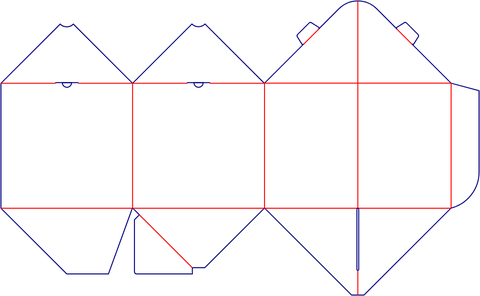
Triangular box. Specify a maximum envelope and confirm the cross-section and usable cavity separately.
Explore this structure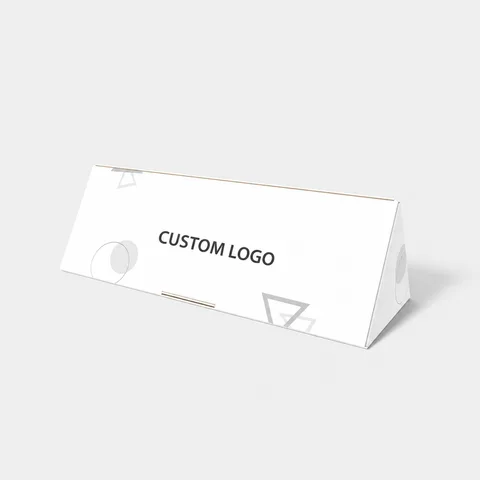 STYLE E61102
 Dieline
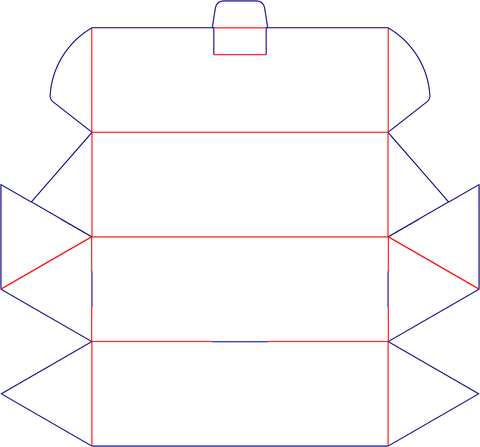
Triangular box. Specify a maximum envelope and confirm the cross-section and usable cavity separately.
Explore this structure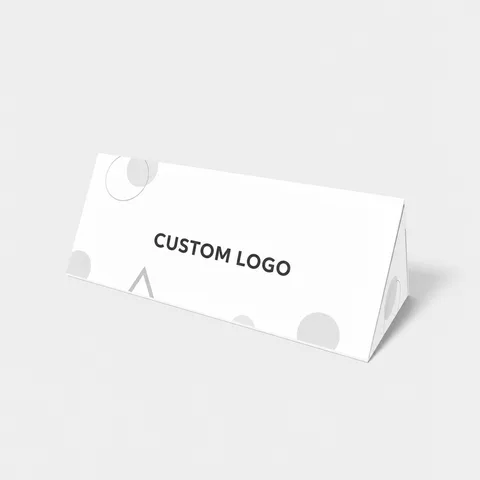 STYLE E61103
 Dieline
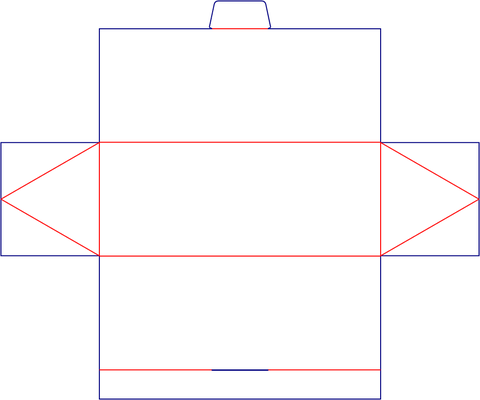
Triangular box. Specify a maximum envelope and confirm the cross-section and usable cavity separately.
Explore this structure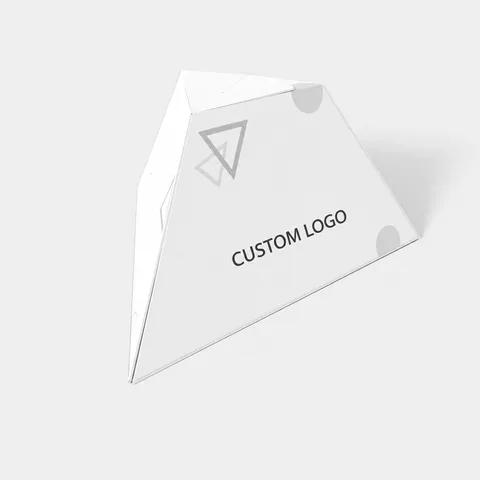 STYLE E61104
 Dieline
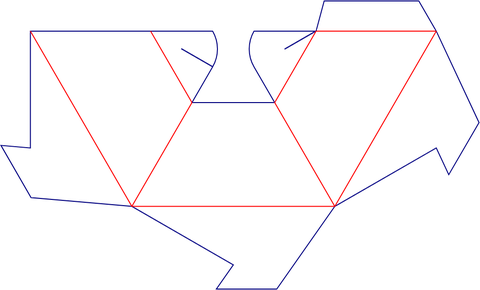
Triangular box. Specify a maximum envelope and confirm the cross-section and usable cavity separately.
Explore this structureTry another name or style number, or browse all product types.
Compare the assembled reference with the flat structure.
Review dimensions, visible panels and artwork orientation.
Confirm the production dieline and sample before approval.