
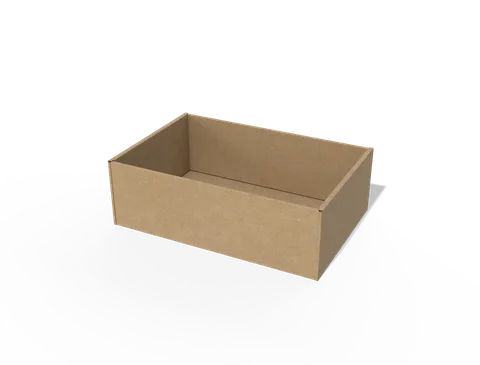
 STYLE E60889
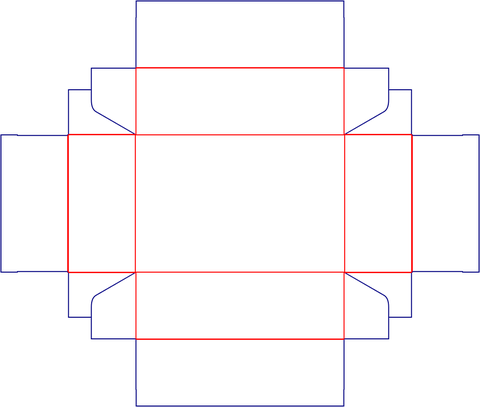 Dieline
Custom Packaging Trays
Open tray. Specify the usable base and wall height separately from overlapping corner folds.
Explore this structure
STYLE E60889
Dieline
Open tray. Specify the usable base and wall height separately from overlapping corner folds.
Explore this structure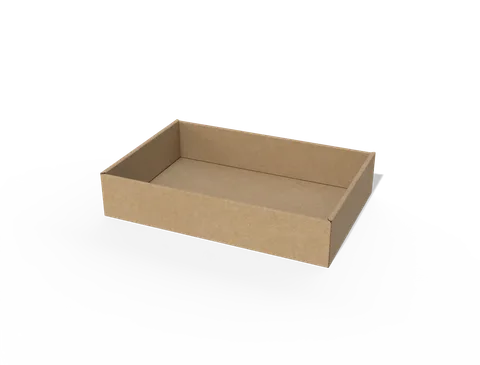 STYLE E60890
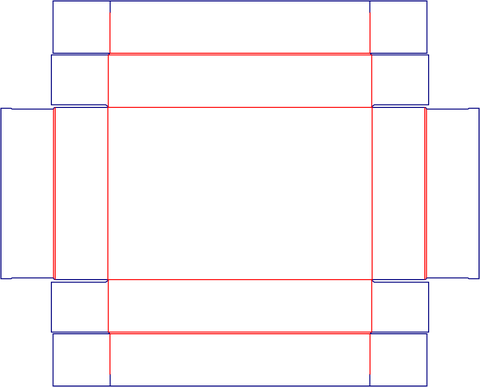 Dieline
Open tray. Specify the usable base and wall height separately from overlapping corner folds.
Explore this structure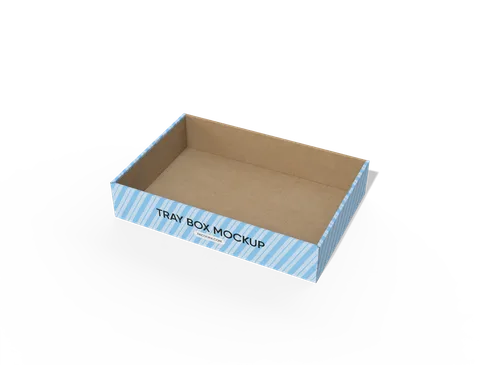 STYLE E60891
 Dieline
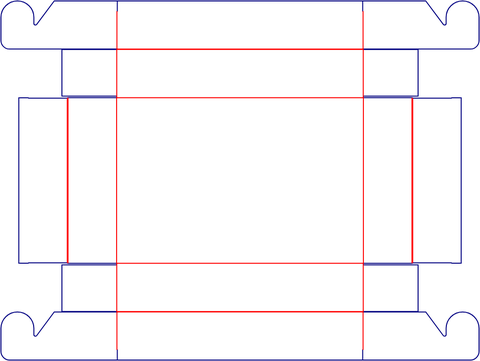
Open tray with side-lock detail. Keep key artwork clear of the side locking area.
Explore this structure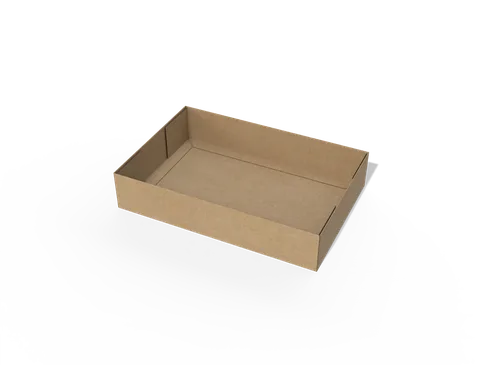 STYLE E60892
 Dieline
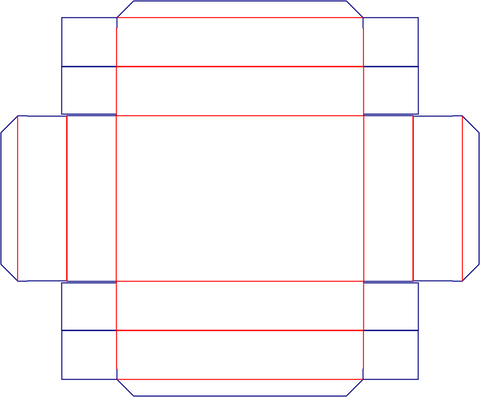
Open tray with side-lock detail. Keep key artwork clear of the side locking area.
Explore this structure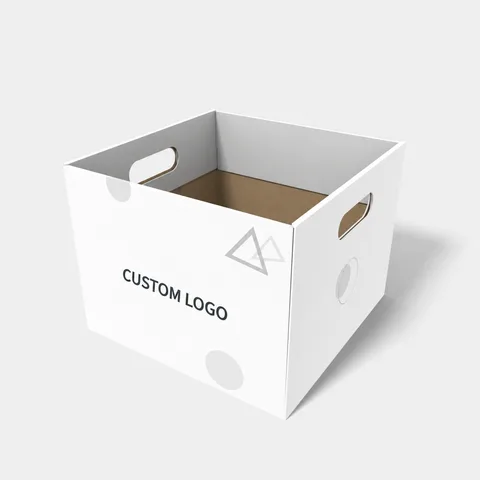 STYLE E60893
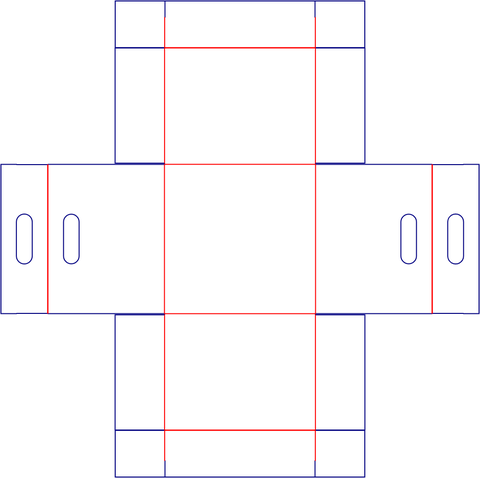 Dieline
Open tray. Specify the usable base and wall height separately from overlapping corner folds.
Explore this structure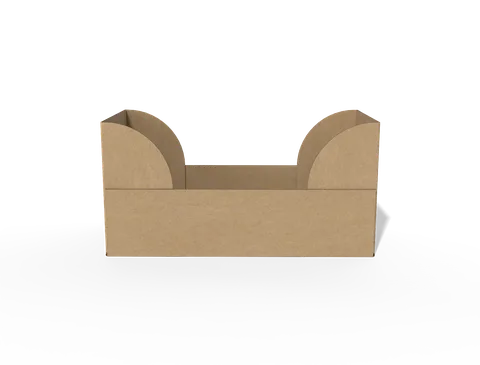 STYLE E60894
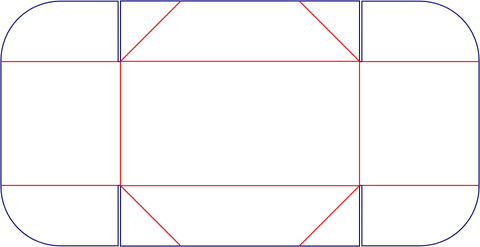 Dieline
Open tray. Specify the usable base and wall height separately from overlapping corner folds.
Explore this structure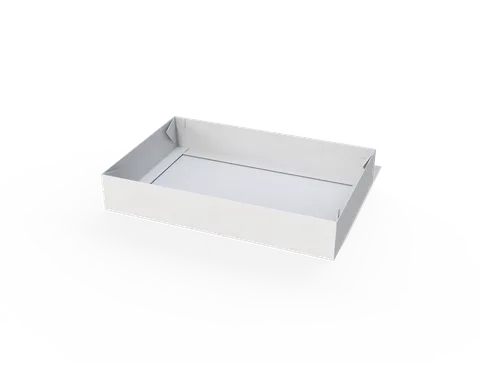 STYLE E60895
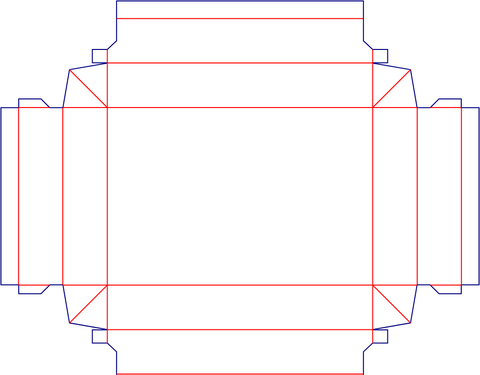 Dieline
Open tray with tapered outline. Measure the wider and narrower edges rather than relying on one nominal width.
Explore this structure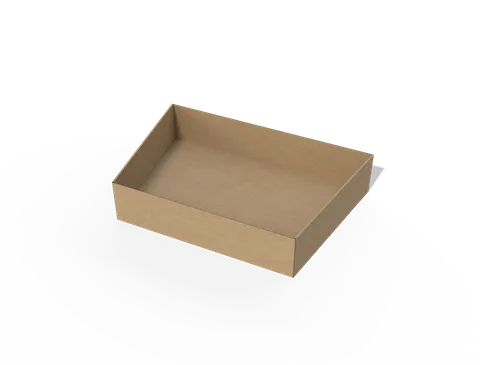 STYLE E60896
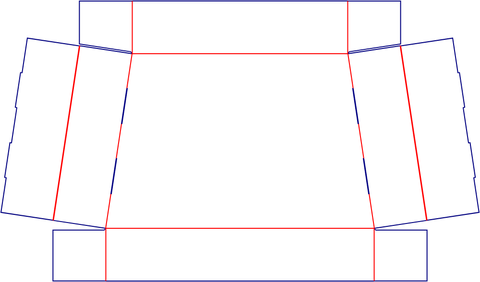 Dieline
Open tray. Specify the usable base and wall height separately from overlapping corner folds.
Explore this structure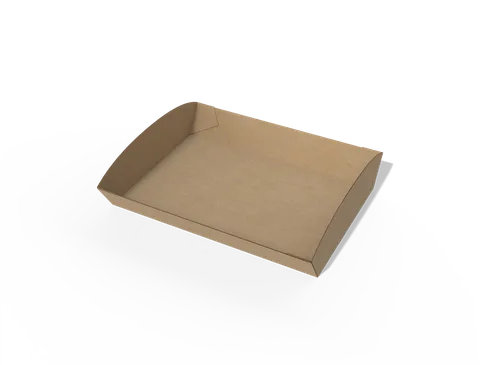 STYLE E60897
 Dieline
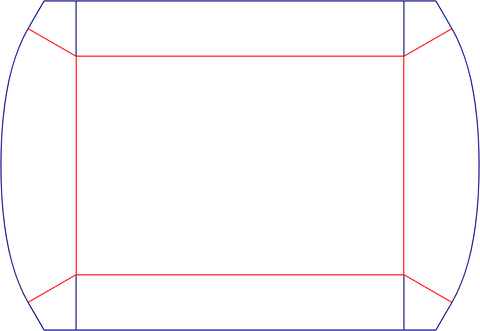
Open tray. Specify the usable base and wall height separately from overlapping corner folds.
Explore this structure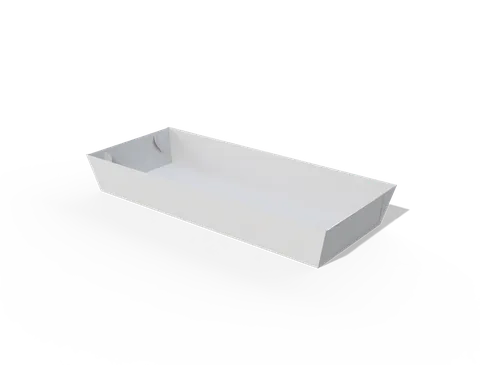 STYLE E60898
 Dieline
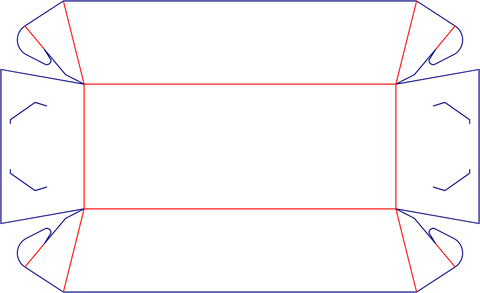
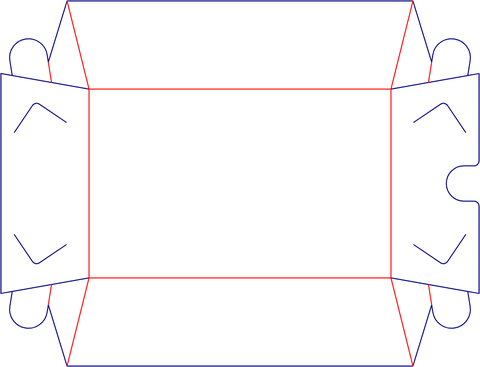
Food presentation tray with rectangular outline. Specify the long and short sides separately and confirm the opening orientation.
Explore this structure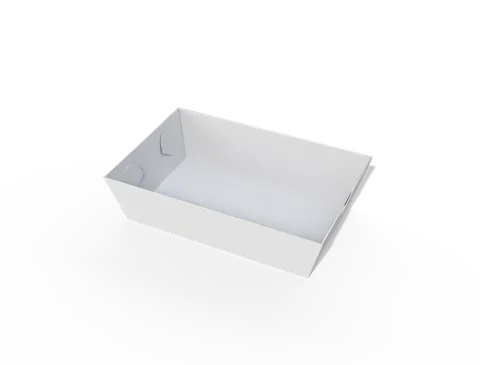 STYLE E60899
 Dieline
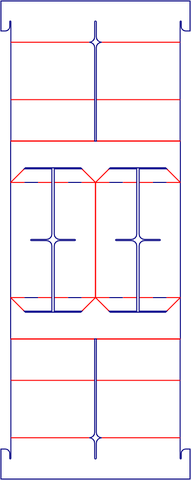
Food presentation tray. Confirm the portion, any liner and the intended food-contact and temperature requirements.
Explore this structure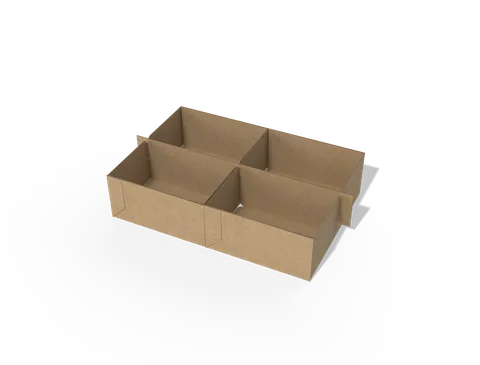 STYLE E60900
 Dieline
Open tray. Specify the usable base and wall height separately from overlapping corner folds.
Explore this structureTry another name or style number, or browse all product types.
Compare the assembled reference with the flat structure.
Review dimensions, visible panels and artwork orientation.
Confirm the production dieline and sample before approval.